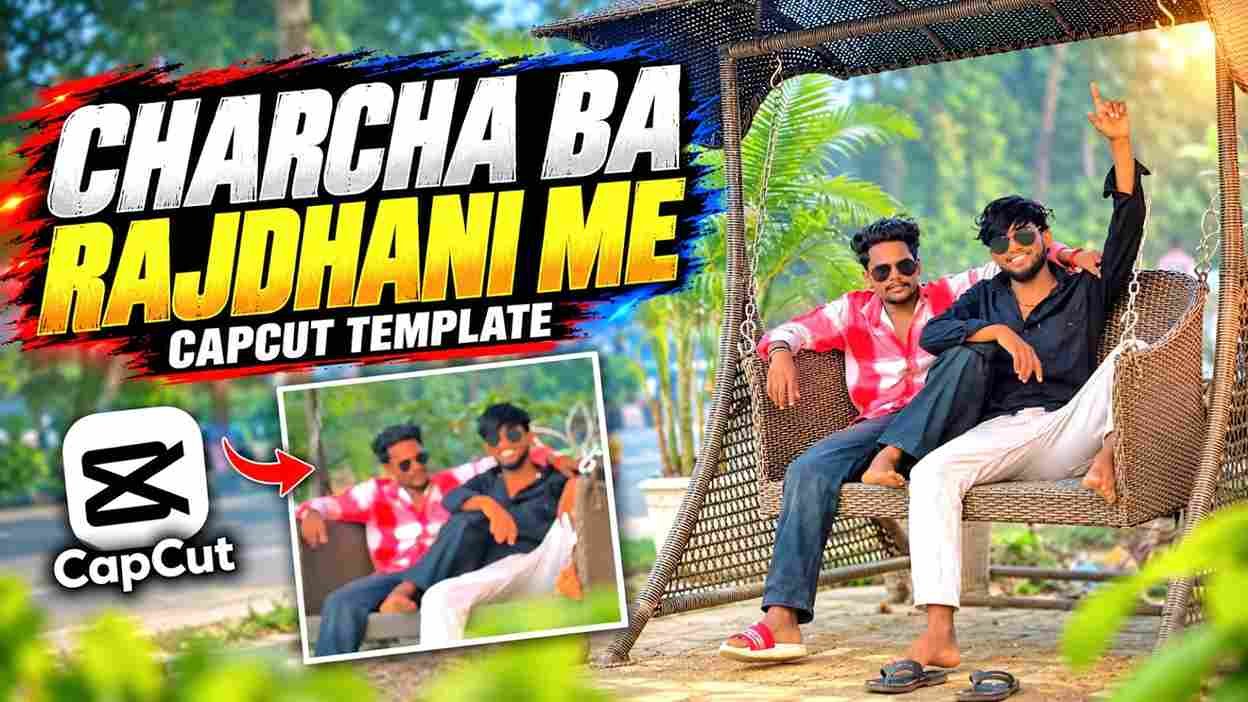
If you love creating trending Bhojpuri song Reels, the Charcha Ba Rajdhani Me CapCut Template is a great option to try. This trending template is perfect for making stylish and eye-catching videos using your favourite photos and clips. With ready-made transitions, beat-sync effects, and smooth video editing, you can create an attractive Reel without spending too much time editing manually. Whether you want to make a solo photo edit, a stylish attitude Reel, or a video with your friends, this CapCut template can help you create your own version of the trend. Follow the simple instructions below to learn how to use the Charcha Ba Rajdhani Me CapCut Template.
Charcha Ba Rajdhani Me CapCut Template
The Charcha Ba Rajdhani Me CapCut Template is a fun way to create a short video using the popular Bhojpuri song. CapCut templates can include pre-designed transitions, effects, and clip timing that make editing easier for beginners. Instead of creating every effect from scratch, you can select a template, add your photos or video clips, and let the app apply the available editing style. The final result depends on the template you choose and the media you upload. If you enjoy making trending Instagram Reels, this template is worth trying for your next video edit.
How to Use Charcha Ba Rajdhani Me CapCut Template
Creating your video with the Charcha Ba Rajdhani Me CapCut Template is simple. Follow these steps to get started.
- Open Google and search for “Harish Edits”.
- Visit the Harish Edits website and find the Charcha Ba Rajdhani Me CapCut Template post.
- Open the post and scroll down to find the CapCut template link.
- Tap the “Use Template” option to open the template in CapCut, if available.
- Select your favourite photos or video clips and add them to the required slots.
- Preview your video and check the transitions and effects.
- Export the final video in your preferred quality and save it to your device.
How to Make Your CapCut Reel Look Better
To make your Charcha Ba Rajdhani Me Reel more attractive, choose clear photos and video clips with good lighting. Stylish portraits, travel clips, traditional outfits, and attitude photos can work well with Bhojpuri song edits. Check the beat timing and transitions before exporting to ensure the video looks smooth. If the template allows customisation, adjust the available filters, brightness, and effects to match your style. For Instagram Reels and YouTube Shorts, a vertical 9:16 video format is generally suitable. Avoid adding too many extra effects, as simple and clean editing can make your video look more professional.
Charcha Ba Rajdhani Me CapCut Template Not Working?
If the Charcha Ba Rajdhani Me CapCut Template is not opening, first check that CapCut is installed and that your internet connection is stable. Try opening the template link again in a supported browser or directly through the CapCut app. Some templates may be unavailable because of regional restrictions, account settings, app compatibility, or removal by the original creator. Availability can also change over time. If the template still does not work, check whether an updated link is available on Harish Edits or try another compatible template with a similar editing style. Avoid downloading template files from untrusted websites.
Why Use the Charcha Ba Rajdhani Me CapCut Template?
The Charcha Ba Rajdhani Me CapCut Template is useful for creators who want to make trending Bhojpuri song videos without learning advanced editing skills. A ready-made template can save time by applying a prepared editing style to your selected photos and clips. You can use it to create entertaining videos for Instagram Reels, YouTube Shorts, Facebook, and WhatsApp Status. Before publishing, preview the final result and make sure your clips are arranged correctly. Also, use music and footage in accordance with the platform’s copyright rules to reduce the risk of your video being muted or removed.
Final Words
The Charcha Ba Rajdhani Me CapCut Template is a simple option for creating a stylish Bhojpuri song Reel using your favourite photos and videos. Visit Harish Edits, find the template link, and follow the instructions to create your own edit. Remember that template availability may vary depending on your region and app version. I hope this guide helps you create your Charcha Ba Rajdhani Me CapCut video. If you face any problems while using the template, let us know in the comment box or on our social media page.