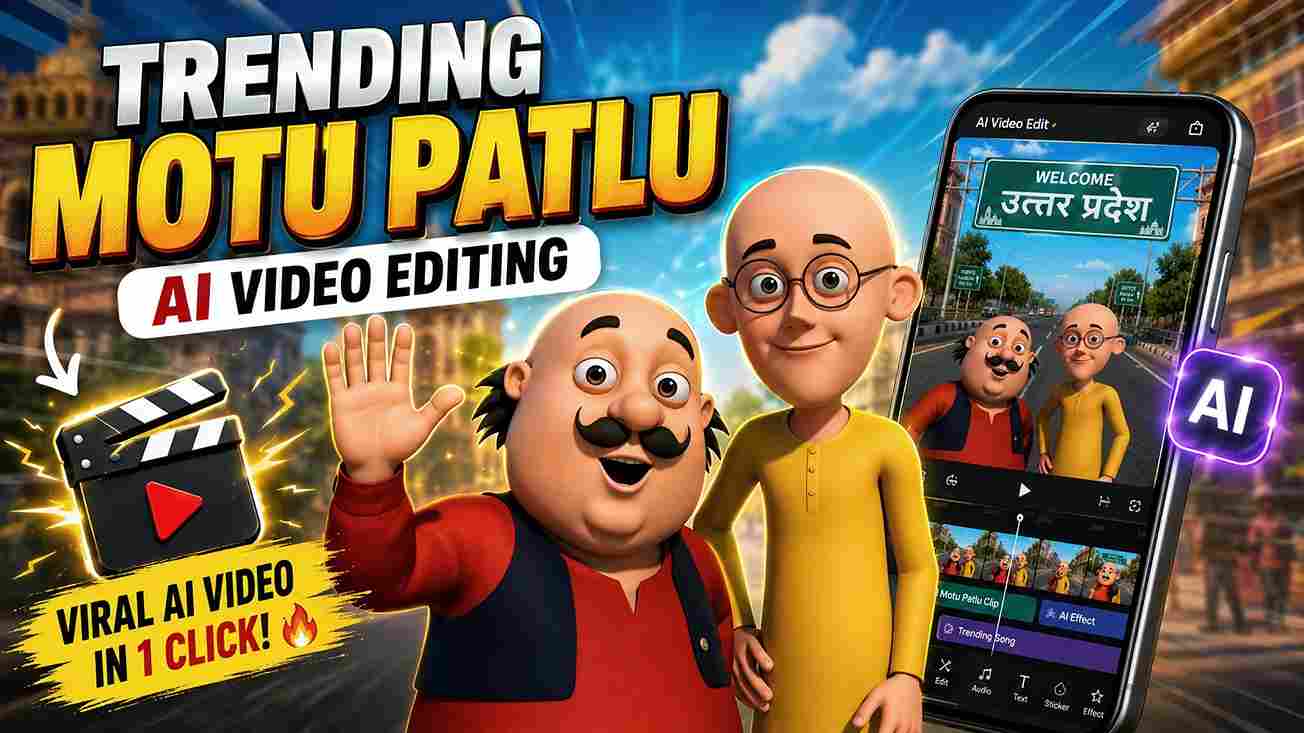
In this article, I am going to share some amazing prompts through which you can create Instagram viral Motu Patlu vlog AI videos for free without spending any money or time. If you are active on Instagram, you may have noticed that Motu Patlu-related AI videos are going viral right now. Therefore, I have decided to share an A-to-Z tutorial with you so that you don’t need to go anywhere else for video generation. So, friends, check out this full article for a better understanding.
Motu Patlu AI Video Editing Details
Motu Patlu is one of the most popular cartoon series, and Motu Patlu AI video editing has become one of the biggest trends on Instagram, YouTube Shorts, and other social media platforms. AI-generated Motu Patlu vlog videos, featuring funny village life, city adventures, and daily vlogs, are attracting millions of views and gaining massive engagement. The best part is that you don’t need professional editing skills or expensive software to create them. With the help of AI and the right prompts, you can generate high-quality Motu Patlu AI videos in just a few minutes. In this article, you’ll learn the complete step-by-step process for Motu Patlu AI video editing, along with the exact prompts you need to create viral videos for free. Whether you’re a beginner or an experienced content creator, this guide will help you create trending AI videos quickly and easily.
Prompts for Generating Motu Patlu AI Images & Videos
Below are the prompts you need to create viral Motu Patlu AI videos. The first prompt is for image generation, which you can use with ChatGPT or Gemini to create your images. The second prompt is for video generation, which you can use with Flow AI or Gemini to turn your images into realistic AI videos.
Note:- You are free to customize the prompts given below according to your requirements. In the image prompt, replace the default city or village name with your own city or village name. In the video prompt, enter whatever dialogue you want Motu Patlu to speak.
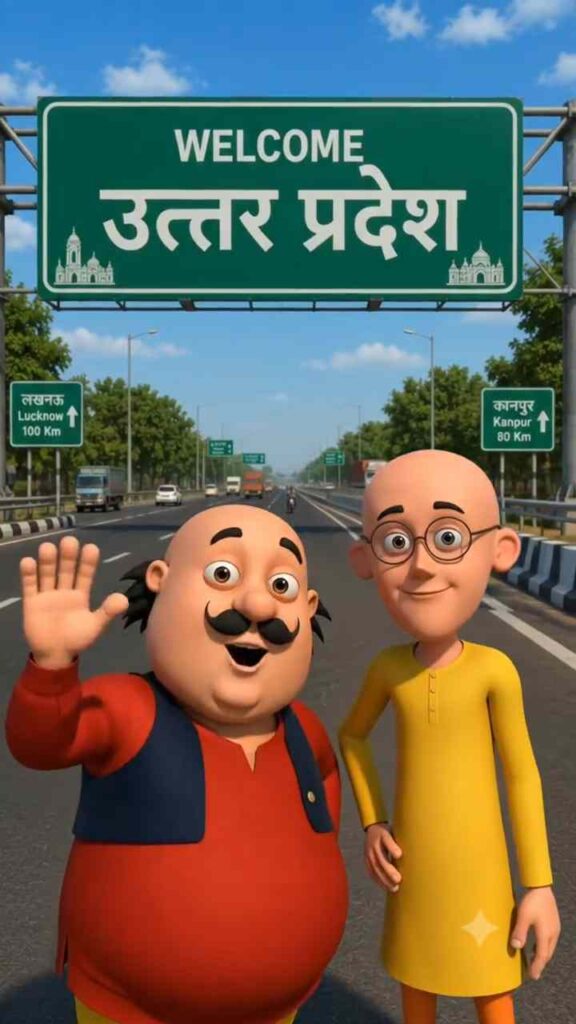
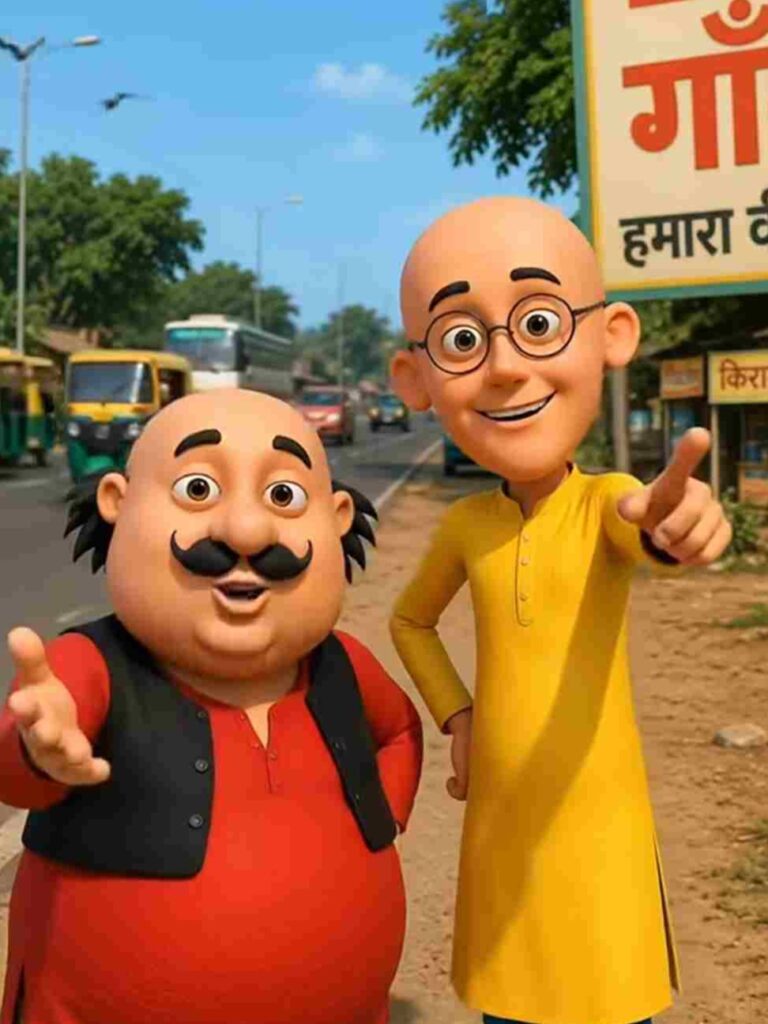
Image Prompt ⤵️
Use the uploaded image as the exact character reference. Keep the same character, face, clothes, and original art style.
Create a modern highway scene where the character stands smiling below a large green Indian highway welcome billboard. The billboard reads:
WELCOME
[Azamgarh/Uttar pardesh]
Use realistic Indian expressway details, vehicles, trees, blue sky, cinematic lighting, vibrant colors, centered composition, ultra-detailed, 8K, vertical 9:16.
Video Prompt ⤵️
Characters: [Motu Character 1], [Patlu Character 2]

Use the uploaded image as the exact character reference. Keep the same characters, appearance, clothing, facial features, and original art style unchanged. Animate only the characters with realistic lip sync, natural facial expressions, eye blinking, head movements, and hand gestures while speaking in Hindi. Keep the animation smooth, expressive, and cinematic while maintaining the original visual style.

Dialogue (Hindi):

[Motu Character 1]:
"हैलो दोस्तों! हम आ गए हैं उत्तर प्रदेश के बाराबंकी जिले में।"

[Patlu Character 2]:
"अब बताओ यूपी वालों!"

[Motu Character 1]:
"हमें आपके किस शहर या गांव में आना चाहिए?"

[Patlu Character 2]:
"कॉमेंट में अपने शहर या गांव का नाम अभी लिखो। हो सकता है अगला वीडियो आपके शहर या गांव में हो!"
How to Make a Motu Patlu AI Video
Creating a viral Motu Patlu AI video is very simple and takes only a few minutes. First, generate your Motu Patlu image using the image prompt provided above. While generating the image, replace the city or village name in the prompt with the location you want to feature in your video. Once your image is ready, download it to your device. Next, copy the video prompt shared in this article and open your preferred AI video generator, such as Flow AI or Gemini. Create a new project, upload the generated image, paste the video prompt, and select the 9:16 aspect ratio for Instagram Reels and YouTube Shorts. Finally, start the generation process and wait a few moments for the AI to create your video. After the video is generated, simply download it and upload it to your social media accounts to share your Motu Patlu AI vlog with your audience.
Conclusion
So, friends, that's everything you need to know about creating viral Motu Patlu AI videos featuring cities and villages. By following the steps and using the prompts shared in this guide, you can easily create high-quality AI videos in just a few minutes. Since this trend is currently performing extremely well on Instagram, YouTube Shorts, and other social media platforms, it's a great opportunity to start creating your own content and grow your audience. I hope this tutorial made the entire process easy to understand. If you have any questions or face any problems while creating your video, feel free to leave a comment, and I'll be happy to help. Stay tuned for more trending AI video editing tutorials and prompts in the next article.
Watch the Full Tutorial on YouTube⤵️