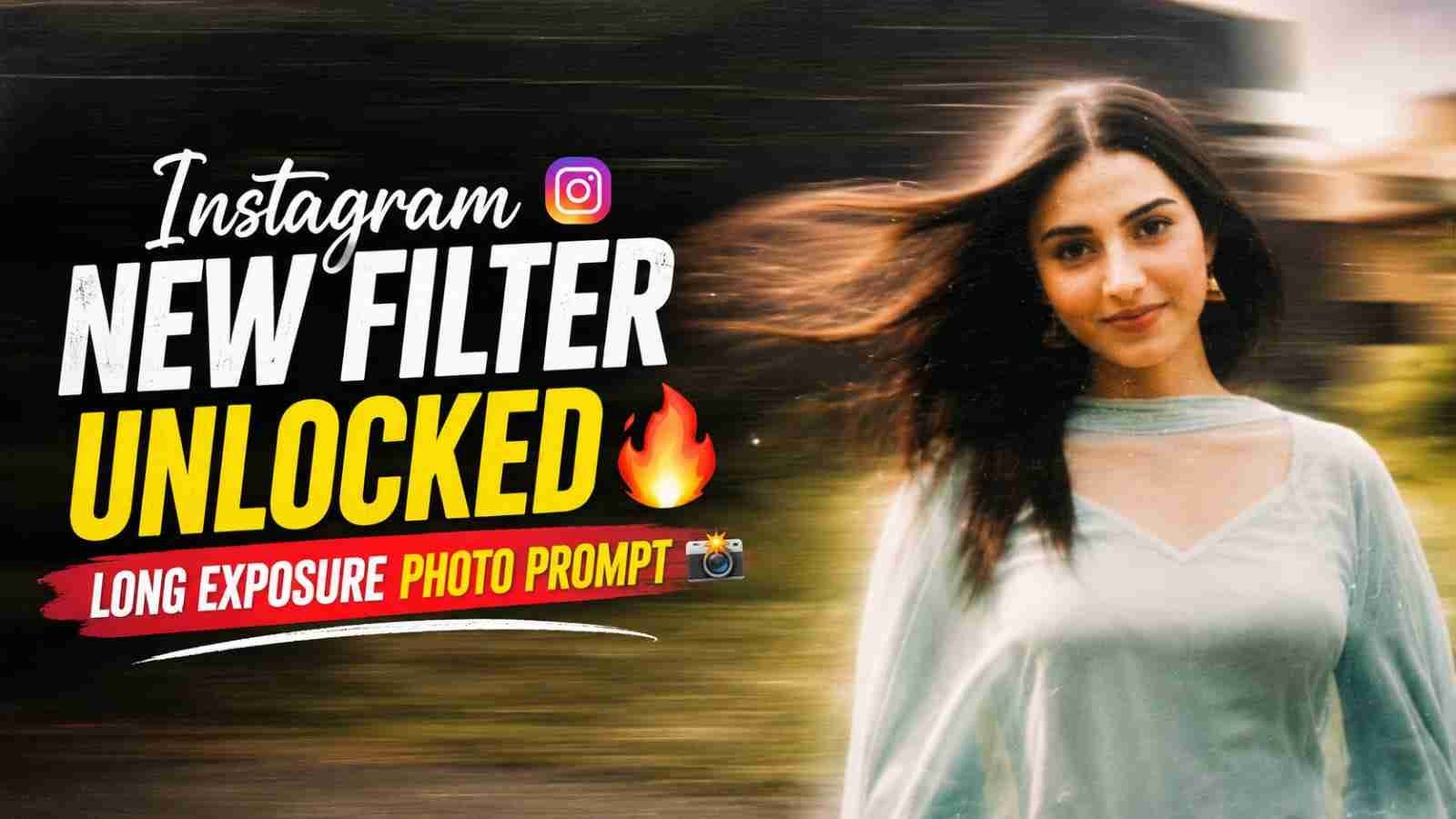
The Instagram New Filter Unlocked Long Exposure Photo Edit is a creative way to give your normal portrait a stylish motion effect using AI-based editing. This trend creates the appearance of movement across the subject while keeping the person and background visually recognizable. You can use a clear photo and a simple editing prompt to create the effect without advanced editing skills. In this article, you will find a copy-ready long exposure photo editing prompt, simple steps to create the effect, and useful tips for getting a realistic and smooth result.
What Is the Long Exposure Photo Effect?
The long exposure photo effect creates a visual appearance similar to a photograph captured while the subject or camera is moving. Instead of keeping every part of the image completely sharp, controlled motion blur can be added to create a dynamic look. With AI photo editing, you can describe the desired movement, lighting, and overall style through a prompt. The effect can work particularly well with portraits, fashion photos, and outdoor images. The final appearance depends on the original photo, the editing tool, and how clearly the desired effect is described.
Best Long Exposure Photo Editing Prompt
Use the Prompt Given Below:-
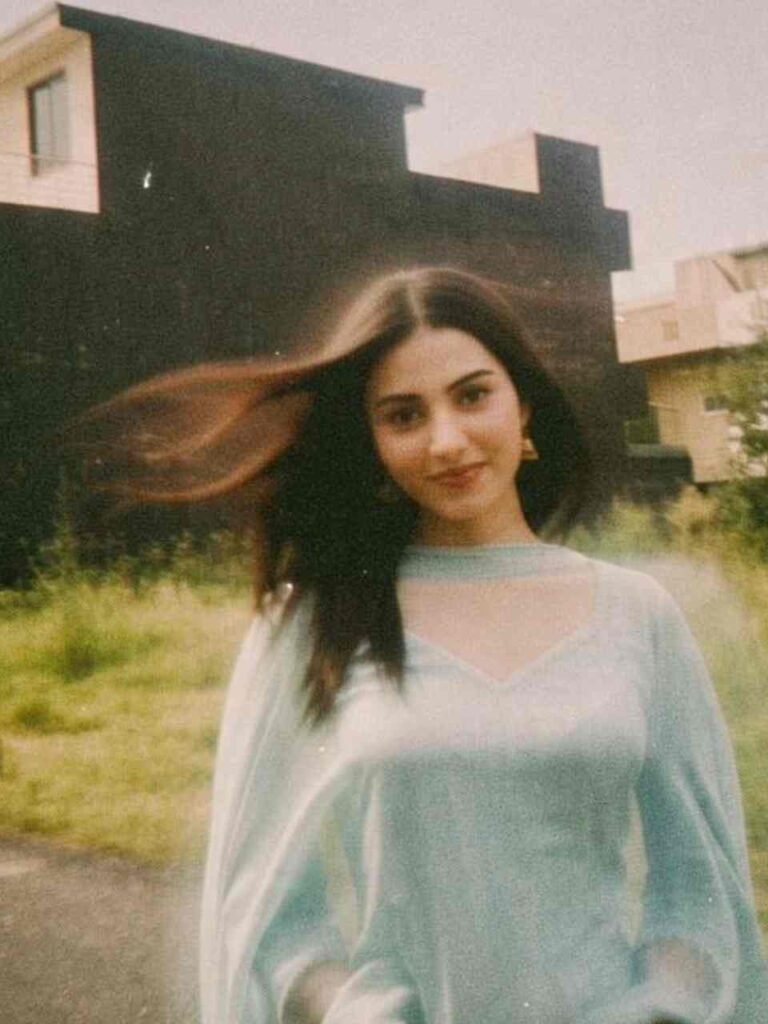
Add strong realistic long-exposure across the entire subject as if captured while moving, vintage film aesthetic, natural lighting, land unchanged facia eatures.
How to Create the Long Exposure Photo Edit
Creating this effect is simple. Just follow the steps below:
- Open Instagram and select your photo.
- Open the available AI editing or Restyle option.
- Choose the option to describe your desired style.
- Copy the long exposure prompt.
- Add the prompt with your selected photo.
- Generate the edited version.
- Check the face, clothing, and motion effect.
- Try another variation if needed.
- Save or share the final photo.
Choose the Right Photo
A suitable reference photo can make the long exposure effect look much better. Choose a clear image where the person is easy to see and the facial features are not covered. Photos with a simple background and natural lighting can work especially well because the motion effect remains easier to notice. Full-body or fashion photographs can also create an interesting result when the movement is applied across the subject. Avoid extremely blurry or heavily edited images, as they may make it harder to achieve a clean and realistic long exposure appearance.
Long Exposure Photo for Instagram
This long exposure photo effect can be used for Instagram posts, Stories, profile images, and creative photography content. Fashion portraits, outdoor photographs, and walking poses can work particularly well with this visual style because movement is easier to communicate. For a social media post, make sure the subject remains clearly visible and the motion effect does not hide important details. You can also combine the edited image with a short caption describing the AI editing technique. Keeping the overall image clean can help the long exposure effect remain the main visual feature.
Overall
The Instagram New Filter Unlocked Long Exposure Photo Edit is a creative way to give an ordinary photo a dynamic photography-inspired appearance. With a clear reference image and a detailed prompt, you can experiment with realistic motion, subtle blur, vintage film aesthetics, and cinematic styling. Start with the prompt above and make small adjustments until you achieve the desired effect. I hope this guide helps you create your own long exposure photo edit. If you have any problems, please let me know in the comment box or on our Instagram page.