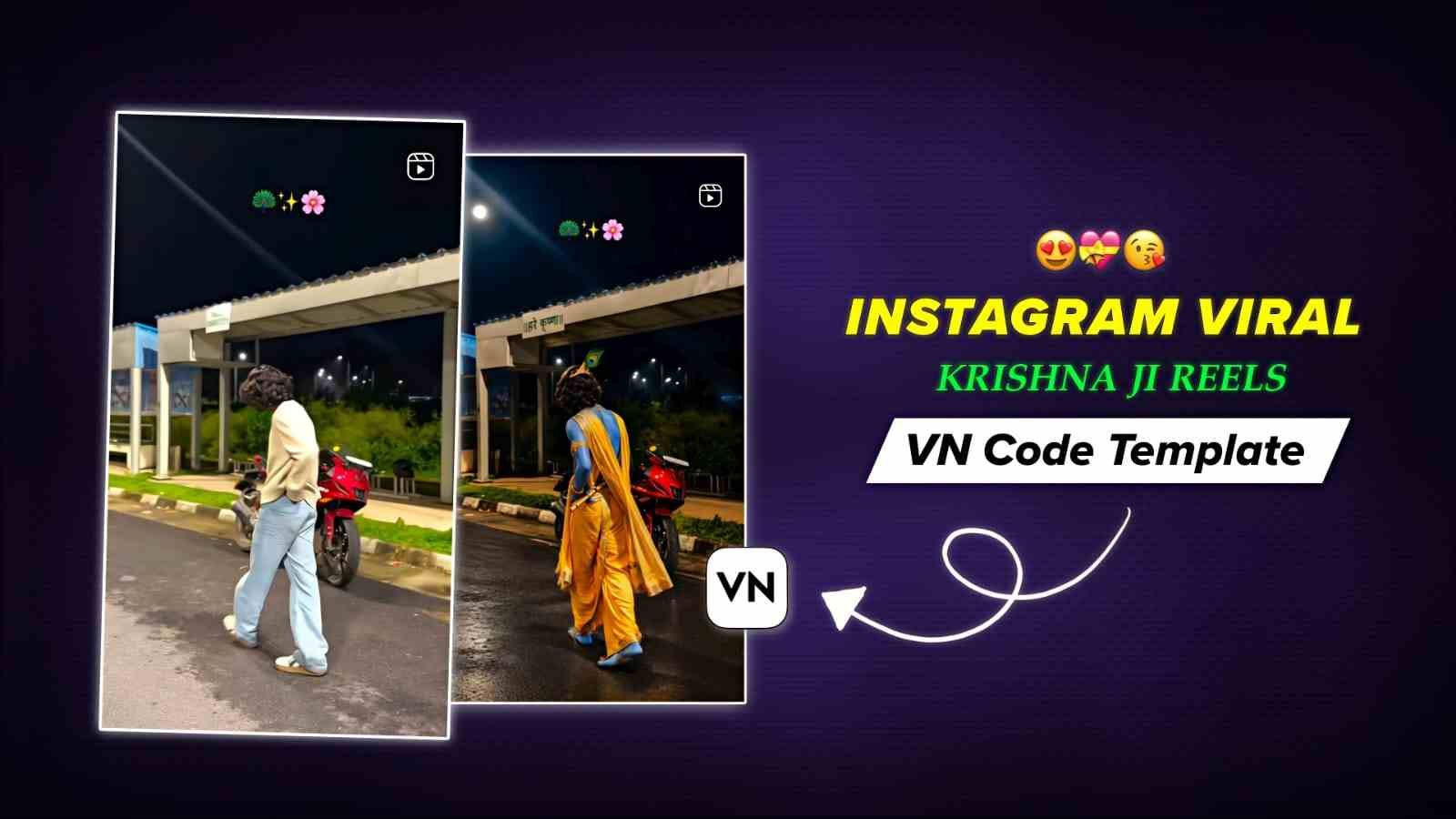
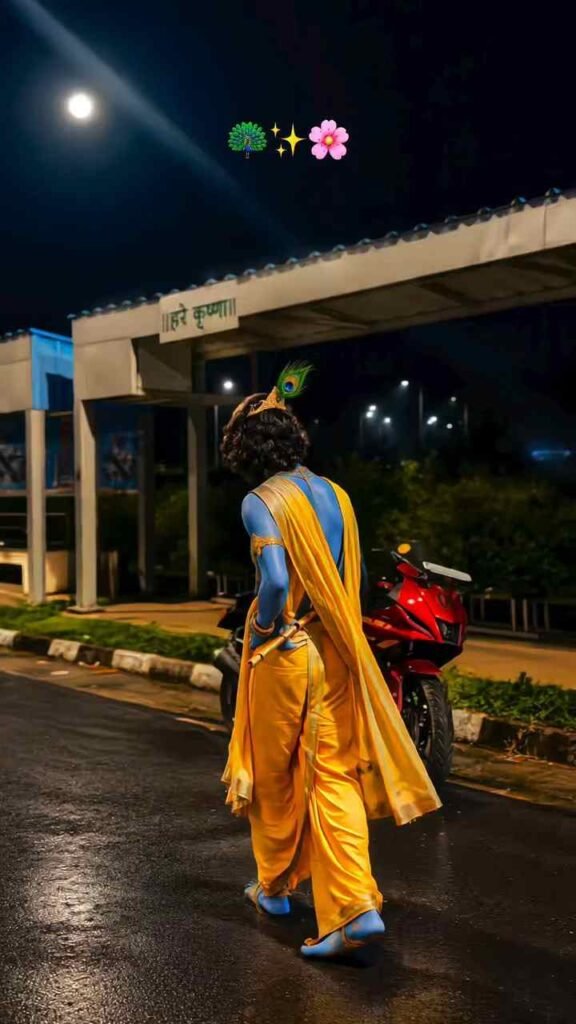
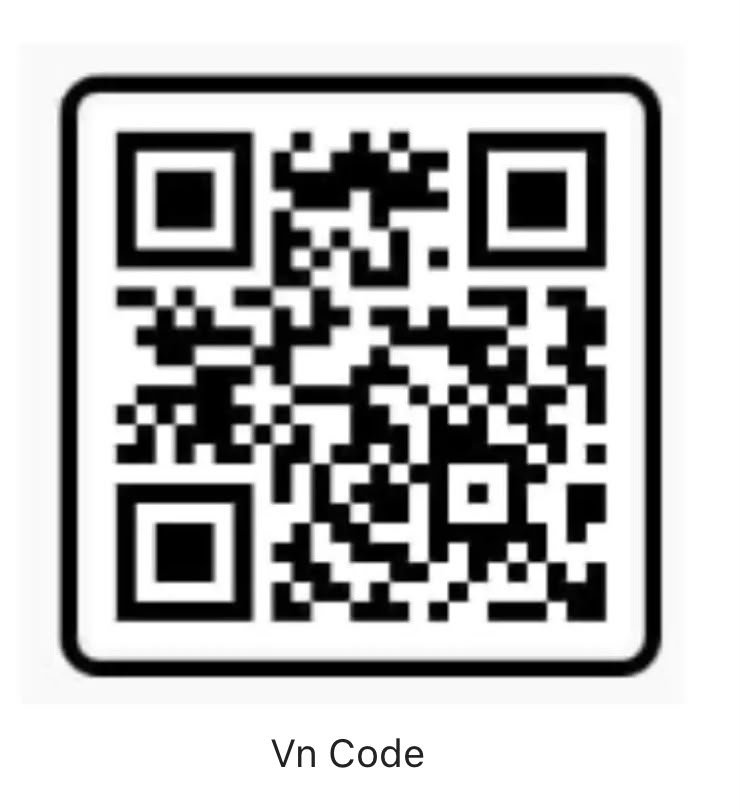
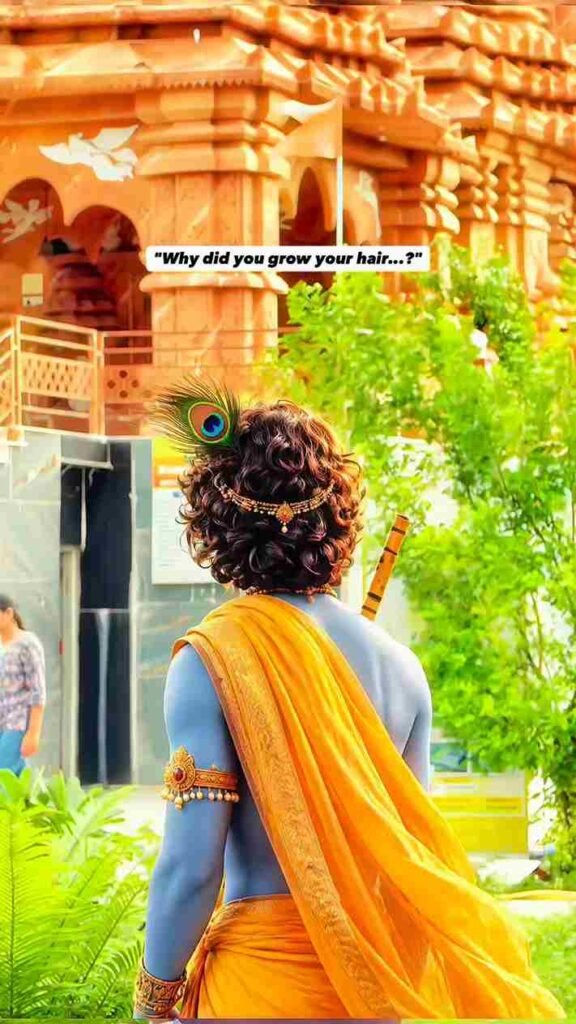
In this article, I am going to provide two Instagram viral VN Code Templates for Krishna Ji special video editing. Currently, people who make Krishna Ji videos are going viral on Instagram. So, guys, if you are interested in making a trending Reel using the VN app without any editing skills, then this article is going to be very helpful. If you are a beginner in editing and don’t know how to make simple videos, you will still be able to make this trending Reel without any problem. So, please read this article for a better understanding. Once you have checked the entire article, I am sure you will easily be able to make this Reel.
Why Are Krishna Ji Reels Going Viral?
As we know, Krishna Janmashtami is coming up, and therefore, people want to dedicate some special Reel videos to Krishna Janmashtami. Krishna Janmashtami is one of the most important festivals in the Hindu religion. On this day, Hindu families celebrate this festival, make some sweets at home or buy them from a sweet shop, and enjoy the celebrations. At night, people hang a Matki at a high level, and a group of people tries to break it. Inside the Matki, there is usually milk, makhan, and dahi. Some children also wear outfits like Radha and Krishna Ji and dance together to make this festival memorable.How to Use VN Code Template on VN App

How to Use VN Code Template on VN App
Using a VN Code Template is one of the easiest ways to create a trending video without spending a lot of time on editing. You can simply scan the VN Code, select your photos or video clips, and customize the template according to your needs. Follow the steps below to use a VN Code Template in the VN Video Editor.
- First, install the latest version of the VN Video Editor app from the Play Store or App Store if you haven’t installed it yet.
- Download the VN Code image or take a screenshot of the code and save it to your phone’s gallery.
- Open the VN app and find the Scanner option, usually available in the top-right corner.
- Select the saved VN Code screenshot or image from your gallery. The VN app will automatically recognize the code.
- After the template preview appears, click on the Download button to download the template.
- Once the template is downloaded, click on the Use Template button to start editing.
- Select the required photos or video clips from your gallery. The VN app will automatically add them to the template.
- Preview your video and make any necessary changes. Finally, click on Export and save your finished video in high quality.
What Is the VN App and Its Features?
VN Video Editor is a popular video editing app that allows users to create professional-looking videos and Reels without requiring advanced editing skills. The app is useful for beginners as well as experienced creators and offers features such as VN templates, VN Code templates, transitions, filters, effects, text animations, music, speed control, keyframe animation, and multi-layer editing. Users can also import ready-made VN Code templates and quickly create trending Instagram Reels by replacing the original photos or videos with their own content. With its simple interface and powerful editing tools, VN Video Editor is a convenient option for creating Instagram Reels, Shorts, status videos, and trending Krishna Ji videos.
Overall
Friends, in this article, I have explained how to make Reels using VN templates on the VN app. Throughout the article, I have discussed why we celebrate Krishna Janmashtami and how to make Krishna Ji viral Reel videos in a few simple steps. I hope I have covered all the points that I needed to explain. If you face any problems at any step, then feel free to tell me in the comment box or on my Instagram handle.