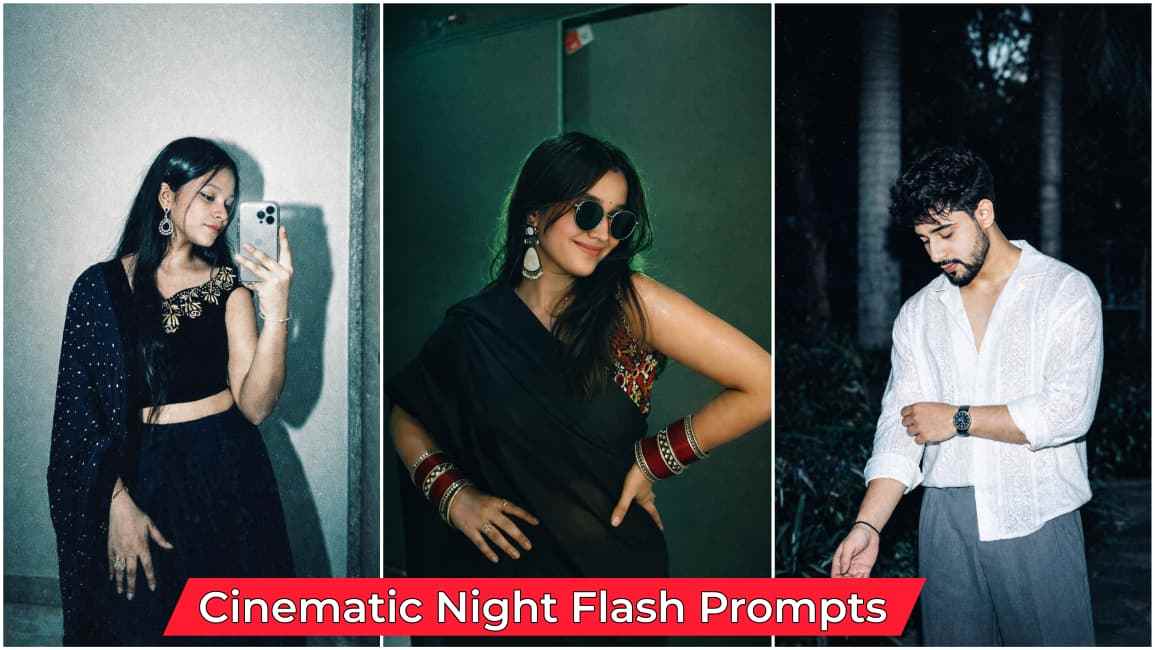
Cinematic Night Flash AI Photo Editing Prompts 2026 — In today’s article, I have brought some amazing aesthetic night flash prompts to help you create viral Instagram flash story effects that are trending right now. People are continuously posting reels about this new Instagram update. If you want to try it, open Instagram, go to the Story section, tap on the “Restyle” option, and search for “Flash”—you will find it easily. However, I have noticed something important, which I will explain in the paragraphs below, so please read the entire article carefully to get the best results from these prompts.
Details of Cinematic Night Flash Prompts
Let me tell you about these cinematic night flash prompts—if you are regularly active on Instagram, you might have seen a new update called the Story Effect (also known as filters); when you go to the “Restyle” option in Instagram Stories, you will find these effects as mentioned above, but I noticed while using it personally that it sometimes changes facial details, and I was shocked to see my face look different, as you may not always get a realistic image, so to fix this issue, I am going to provide the best prompts in different styles so you can easily create these types of images without any face distortion.
Top Prompts for Cinematic Night Flash Photo Editing
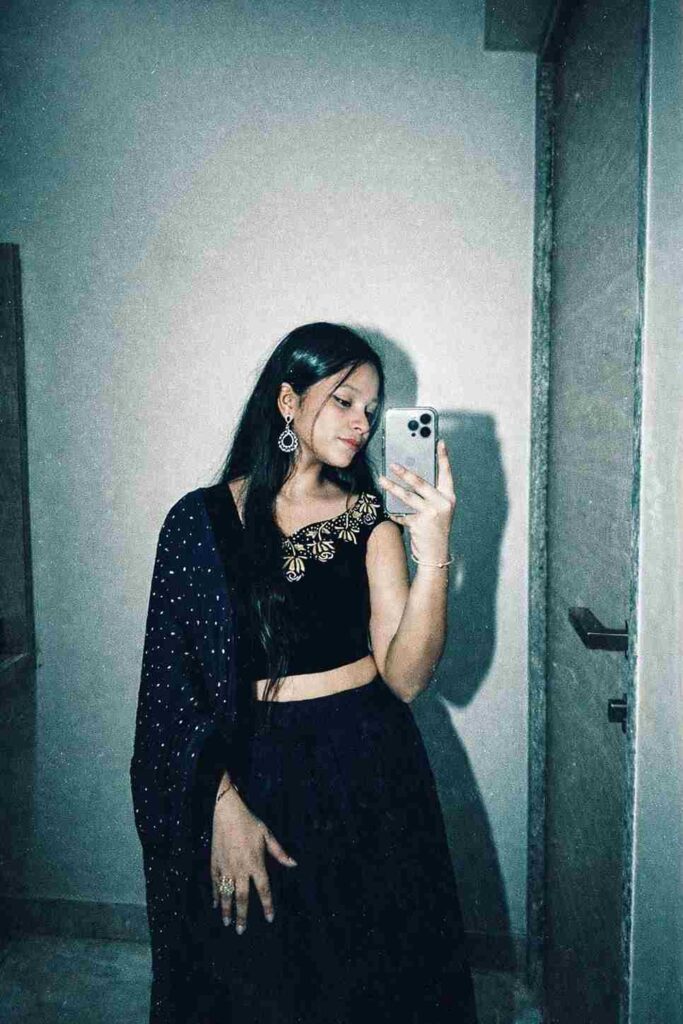
Apply a high-contrast, direct flash photography style with a harsh on-camera flash effect. The lighting should be frontal and intense, creating bright highlights on skin and reflective surfaces, with deep, sharp shadows falling behind the subject. Introduce slight overexposure on highlights while maintaining crisp subject clarity.Color grade the image with a cool, teal-tinted tone in shadows and midtones, while keeping skin tones slightly warm but desaturated. Reduce overall saturation slightly, but boost contrast heavily to create a punchy, editorial look. Add subtle cyan/green shifts in darker areas and neutral whites with a slight bluish cast.Introduce heavy film grain across the entire image—fine but dense, with a gritty texture reminiscent of high ISO analog film. Include mild noise in shadows and midtones for a raw, imperfect feel. Add slight chromatic aberration on edges and a very subtle vignette to enhance focus on the subject.Simulate a glossy, 90s fashion editorial finish: sharp details, slightly crushed blacks, lifted highlights, and a clean yet raw aesthetic. Maintain a digital + analog hybrid look with a polished but edgy vibe.”Colour grading: teal-tinted tone in shadows and midtones, while keeping skin tones, high-contrast, direct flash photography style with a glossy finish. Apply a heavy film grain and a cool, slightly desaturated color grade with a cross-processed look.Most important: don’t change my face and body angles keep it 100% fix.
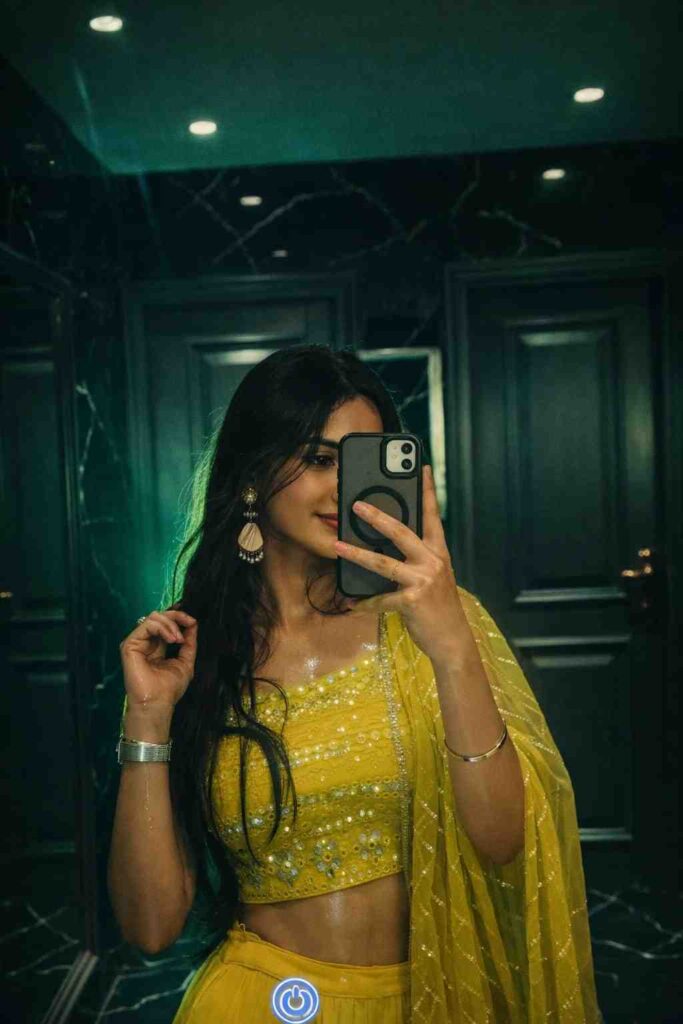
Apply a bold cinematic night-flash aesthetic to the uploaded image while strictly preserving every original detail of the subject’s face, hair, skin texture, and body proportions. Do not alter identity, expression, pose, or composition.
Use a balanced iPhone-style direct flash combined with ambient lighting. Create strong but controlled frontal lighting with soft highlight falloff from face to body, avoiding harsh overexposure.
Render skin with luminous, glossy translucency and soft peach undertones while maintaining natural pores and realistic texture. Add subtle reflective highlights on face, arms, and shoulders for a dewy, slightly sweaty glow effect.
Introduce a soft green/teal ambient light in the background to create a moody cinematic atmosphere. Add gentle green rim lighting around hair and shoulders for depth and subject separation.
Apply high contrast with slightly darkened background, but keep shadows softly lifted (not crushed). Maintain a natural tonal balance.
Add soft bloom/glow around highlights and a slight haze to replicate Instagram processing. Slightly reduce overall saturation while enhancing skin tones and warm colors selectively.
Incorporate fine grain and light noise for a disposable camera / Y2K Instagram aesthetic. Slightly soften sharpness to avoid HDR look while keeping subject clear and detailed.
Enhance stray hair strands with soft backlighting for realism and depth.
Keep original framing, background structure, and perspective unchanged — only enhance lighting and color grading.
Style: Instagram viral flash filter, cinematic paparazzi aesthetic, film camera look, soft HDR, natural glow, ultra-realistic, high detail, 8K quality.
wet skin effect, strong glossy highlights, neon rim lighting, dramatic shadows, high fashion editorial lighting
How to Use Prompts for Image Creation
If you don’t know how to use prompts or how they help create images, follow these simple steps for complete guidance:
- Open the Play Store or App Store on your phone and search for ChatGPT or Gemini.
- I recommend the ChatGPT app, as I have personal experience with it.
- Open the ChatGPT app and log in using your Google account.
- Upload a clear photo of your face and paste the prompt provided above.
- Click on the “Create” button and wait for a while.
- If you don’t get the desired result on the first try, try again—you will get a better result.
- Once the image is ready, save it to your device and post it on social media.
Why Use ChatGPT or Gemini? Key Benefits Explained
Using ChatGPT and Google Gemini for AI image creation makes the entire process fast, simple, and highly creative, even for beginners. These tools allow you to generate high-quality, visually appealing images just by writing prompts, saving both time and effort compared to traditional editing apps. They also offer flexibility to experiment with different styles, lighting effects, and aesthetics—like cinematic night flash—without needing advanced skills. Another major benefit is consistency, as you can refine prompts to get better and more realistic results with each attempt. Overall, both ChatGPT and Gemini help creators produce professional-looking content quickly, making them powerful tools for social media growth and visual storytelling.
Conclusion
Friends, in this article I have explained how to create Instagram’s new flash effect–style images using prompts, and I have provided multiple prompts through which you can easily transform your normal photos into different styles and filters with an ultra-realistic face; I recommend using ChatGPT, but you can also use Google Gemini for faster image creation; I hope the above prompts have been useful to you, and if you face any issues, feel free to share your problem in the comments or contact me on Instagram for a quick response.