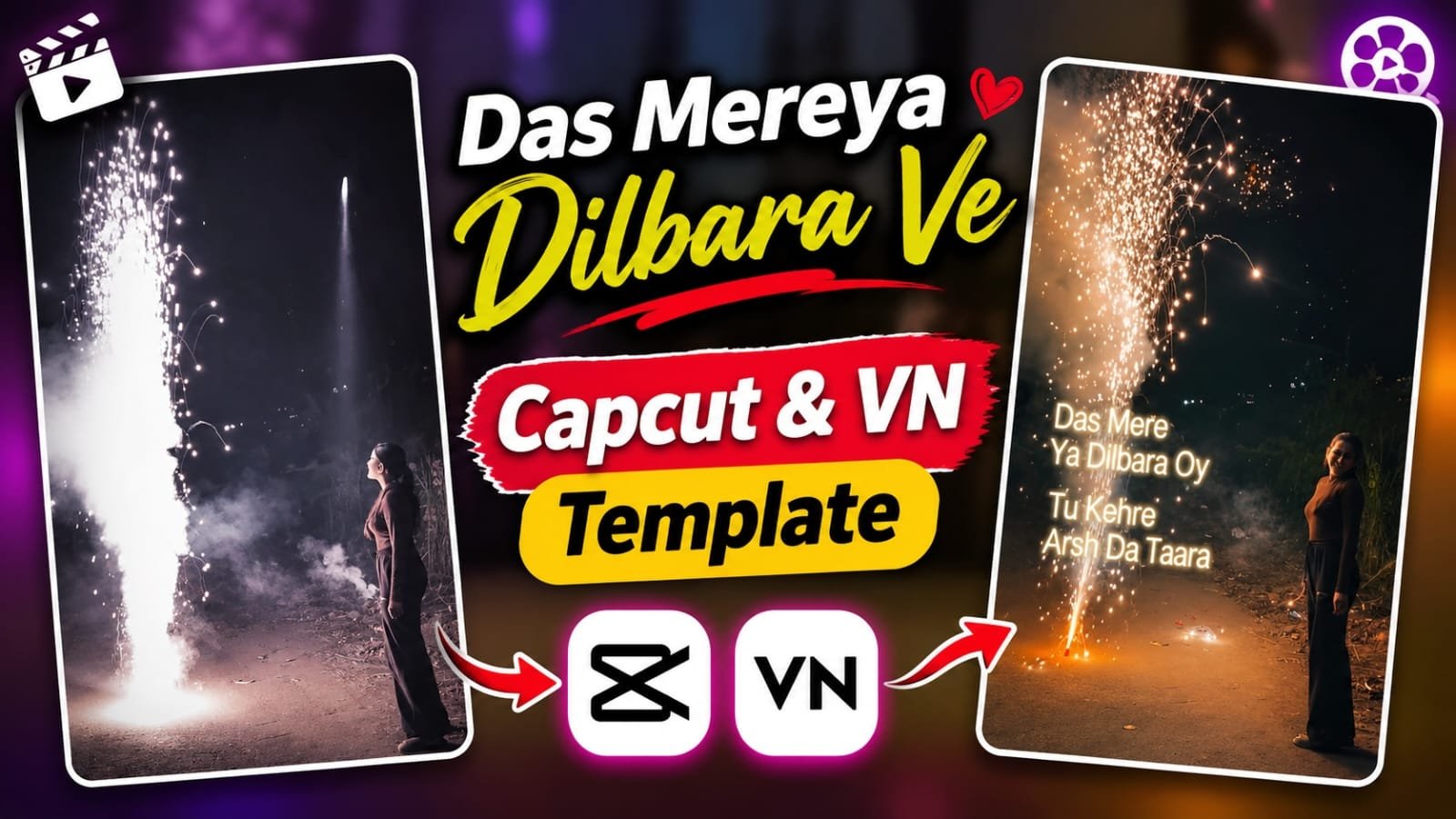
Want to create a beautiful Instagram Reel using the trending “Das Mereya Dilbara Ve” song? This CapCut and VN template makes it easier to turn your favourite photos and video clips into an attractive music edit. You can use the template to create a stylish Reel without spending too much time editing everything manually. Whether you prefer CapCut or VN Video Editor, follow this guide to find the template, add your pictures, customise the edit, and export your final video.
Get Das Mereya Dilbara Ve CapCut and VN Template
The Das Mereya Dilbara Ve template is a useful option for anyone who enjoys creating short music edits for Instagram Reels, YouTube Shorts, and other social media platforms. It helps you arrange your photos or video clips with the song’s timing and editing effects. You can choose the CapCut or VN version according to the app you prefer. Use the respective template link or code provided on this page and follow the instructions to open it on your device.
How to Use Das Mereya Dilbara Ve CapCut Template
If you want to create this trending song edit using CapCut, follow these simple instructions:
- First, open the Das Mereya Dilbara Ve CapCut template link provided on this page.
- Tap the Use Template option if it is available.
- CapCut will open with the selected template.
- Choose your favourite photos or video clips from your gallery.
- Arrange the selected media in the required order.
- Preview the edit and check whether all clips look correct.
- Make any changes you want, such as adjusting the clips or adding your own finishing touches.
- Export the video in your preferred quality and save it to your device.
- Share your finished edit on Instagram Reels or YouTube Shorts.
How to Use Das Mereya Dilbara Ve VN Template Code
You can also create this song edit with VN Video Editor by using the VN template code provided on this page. Follow the steps below to import and customise the edit:
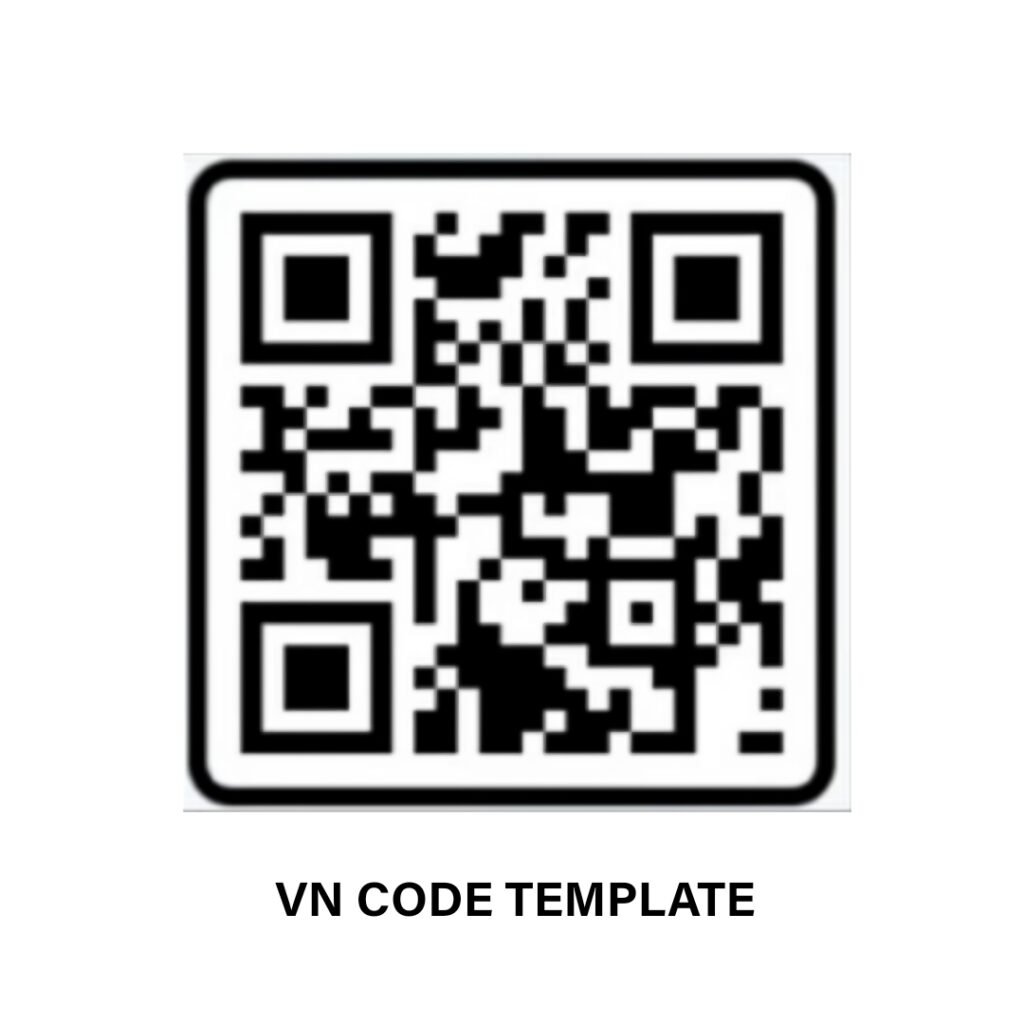
- First, take a screenshot of the VN Code provided below.
- Open the VN Video Editor app on your mobile phone.
- Tap the scanner option available on the VN home screen.
- Select the screenshot of the VN Code from your gallery.
- Wait for VN to process and import the template.
- Replace the sample photos or video clips with your own media.
- Preview the complete video to check the transitions and timing.
- Once everything looks good, tap the Export option.
- Select your preferred resolution and frame rate, then save the video.
Take a Screenshot of the VN Code Below ⬇️
Create Trending Reels Easily with VN Video Editor and CapCut
VN Video Editor and CapCut are two popular video editing apps that make creating attractive social media videos easier. Both apps offer useful editing features, including transitions, effects, filters, music, text, and ready-made templates. You can use VN to scan template codes and customise your videos, while CapCut allows you to create stylish edits using its available templates and editing tools. Whether you are a beginner or an experienced creator, both apps can help you turn your favourite photos and video clips into engaging Instagram Reels and YouTube Shorts.
Why Use CapCut and VN Templates?
CapCut and VN templates are helpful for beginners because they provide a ready-made editing structure. Instead of creating every transition and effect from the beginning, you can simply add your own pictures or clips and customise the result. Both apps offer different editing options, so you can choose the one that feels more comfortable. Templates can save editing time and help you experiment with new Reel styles, especially when you want to create content around trending songs.
Final Words
The Das Mereya Dilbara Ve CapCut and VN Template is a simple way to create an attractive song edit using your favourite pictures and video clips. Choose the editing app you prefer, follow the steps in this guide, and customise the template with your own style. If you face any problems while opening the template or importing the VN Code, let us know in the comment section. Keep visiting Harish Edits for more trending CapCut templates, VN codes, and video editing tutorials.