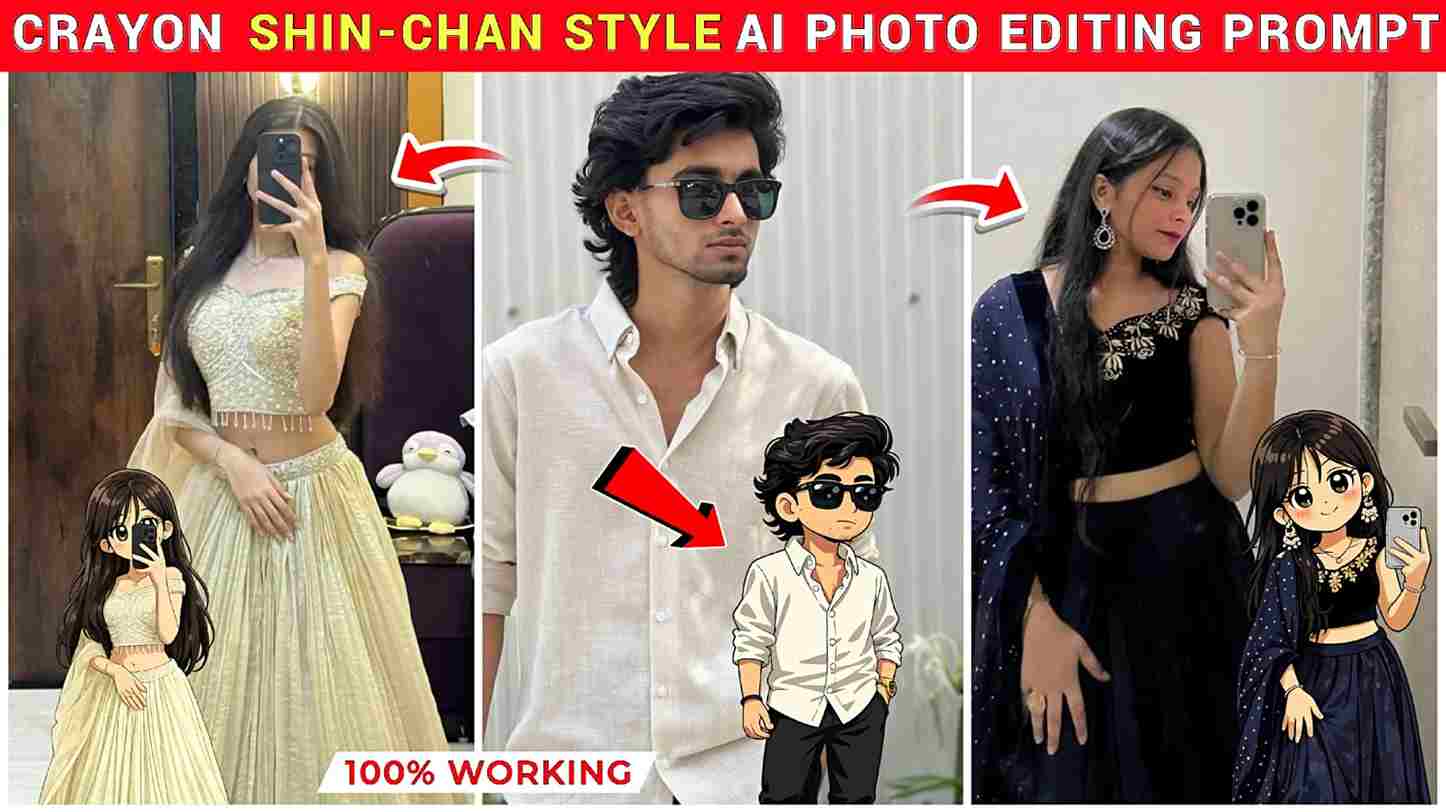
In this article, we provide amazing and trending ChatGPT prompts for creating Crayon Shin-chan–style character images that you can use on your Instagram Story, along with adding lovely music to make it unique and eye-catching; we have included prompts for both boys and girls so everyone can easily create their story without any issues, and the complete A–Z process is explained below, so make sure to read the entire article for better understanding.
Details of Crayon Shin-Chan AI Photo Editing
Currently, Instagram users are loving the trend of creating Crayon Shin-chan–style character images and sharing them on their stories, often as a tribute to the nostalgic cartoon Crayon Shin-chan. These creative posts are going viral because they remind people of their childhood and bring back fun memories. The main inspiration behind this trend is Shinnosuke Nohara, a cute and mischievous 5-year-old boy who lives with his family and is known for his funny behavior. People enjoy turning their own photos into this playful style, making their Instagram stories more unique, relatable, and entertaining for their audience while expressing their creativity in a fun and engaging way.
Prompts for Creating Shin-Chan Style AI Photo
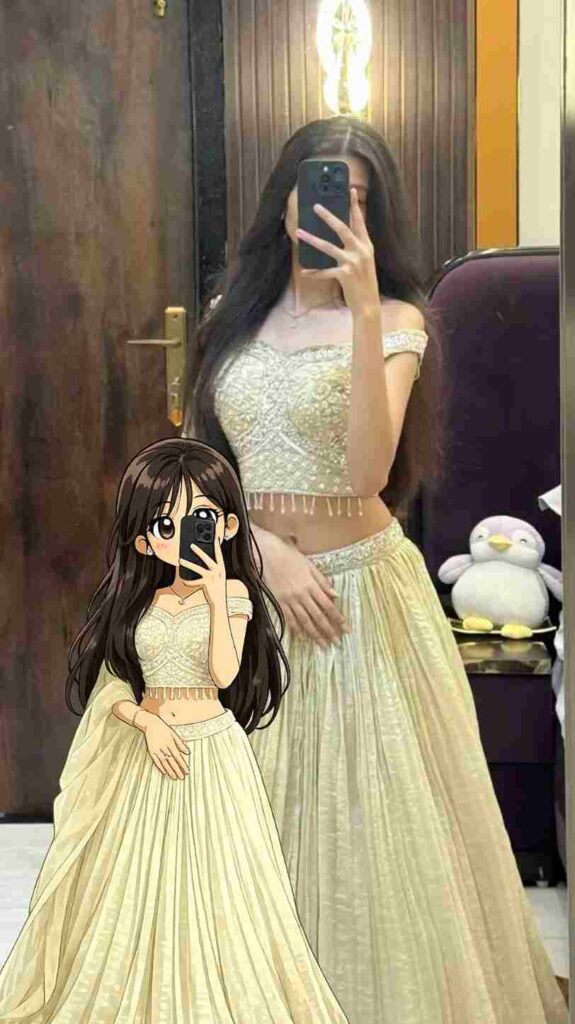
Transform the subject from the uploaded photo into the Crayon Shin-chan (Shinnosuke Nohara) anime style, referencing Shin-chan’s full cast of friends (such as Kazama, Nene, Masao, and Bo-chan).Style & Aesthetic: Match the official Crayon Shin-chan TV anime look — exaggerated cartoon humor, stubby childlike proportions, big oval eyes with dot pupils, expressive mouths, bold clean outlines, and flat cel coloring.Subject Details to Retain: Keep the subject’s original clothing, hairstyle, accessories, pose, skin tone, and expression recognizable, but reinterpret them as if they are part of Shin-chan’s friend group. Clothing should be simplified into bold, flat anime shapes while remaining faithful to the original outfit.Visuals: Full-body character in Shin-chan anime style. Bold outlines, flat cel fills, minimal shading. Comedic proportions and facial expressions referencing Shin-chan’s friends.Background: transparent background.Negative Prompt: No realistic faces, no detailed or 3D shading, no manga sketch lines, no extra accessories, no anime style outside of official Crayon Shin-chan.
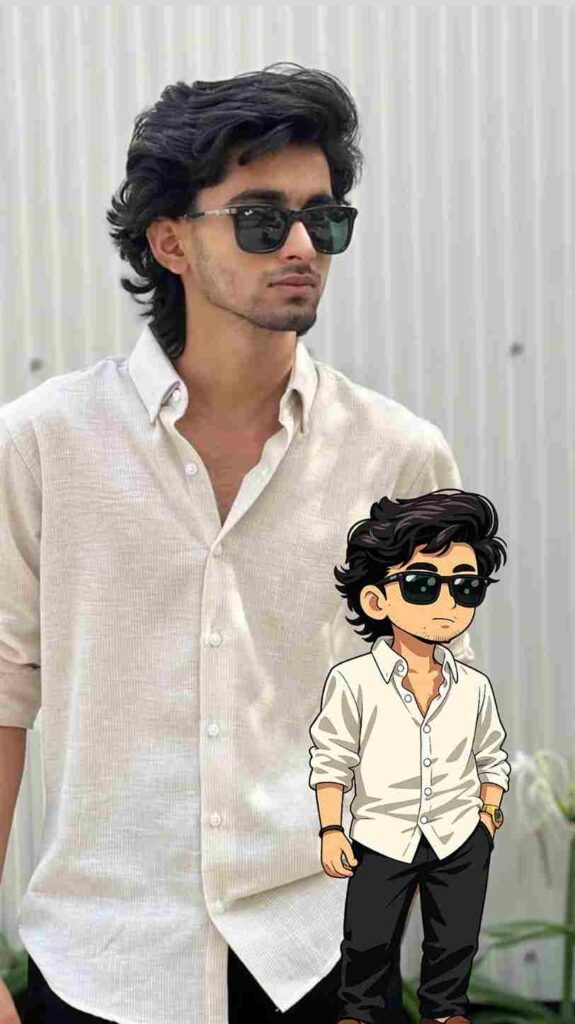
Transform the uploaded photo into Crayon Shin-chan style, inspired by Shinnosuke Nohara and friends like Kazama, Nene, Masao, and Bo-chan. Match the official anime look with exaggerated cartoon humor, stubby proportions, big oval eyes with dot pupils, expressive mouths, bold outlines, and flat cel coloring. Keep clothing, hairstyle, accessories, pose, skin tone, and expression recognizable, simplified into bold shapes. Create a full-body character with minimal shading and clean lines. Background transparent. No realism, no 3D shading, no manga sketch lines, no extra accessories, no other anime styles.
How to Make a Shinchan-Style Photo?
To create a Shinchan-style photo inspired by Crayon Shin-chan, first open the ChatGPT app and sign in. Upload a clear, well-lit photo of yourself for the best results. Then, copy and paste a Shinchan-style prompt into ChatGPT and send it. The AI will process your image and transform it into a cartoon version inspired by Shinnosuke Nohara. After a few moments, your stylized image will be ready. You can download it and share it on your Instagram Story with music to make it more fun and engaging.
What is ChatGPT and Its Uses?
ChatGPT is an AI-powered chatbot developed by OpenAI that can understand and generate human-like text, helping users with a wide range of tasks. It is commonly used for writing content, answering questions, learning new topics, generating ideas, coding, and solving problems. Many people also use it to create social media captions, scripts, and even images with the help of prompts. ChatGPT makes work easier, faster, and more efficient, making it a useful tool for students, creators, and professionals in everyday tasks.
Conclusion
In this article, we have talked about Crayon Shin-chan–style AI photo editing, which is currently going viral on Instagram. Basically, such images are used to make Instagram Stories unique and amazing. We have explained how to create these images and also how to add them to your Instagram Story. We hope you enjoy this article; if you really like it, let us know in the comments. If you face any problems, feel free to ask in the comment box.