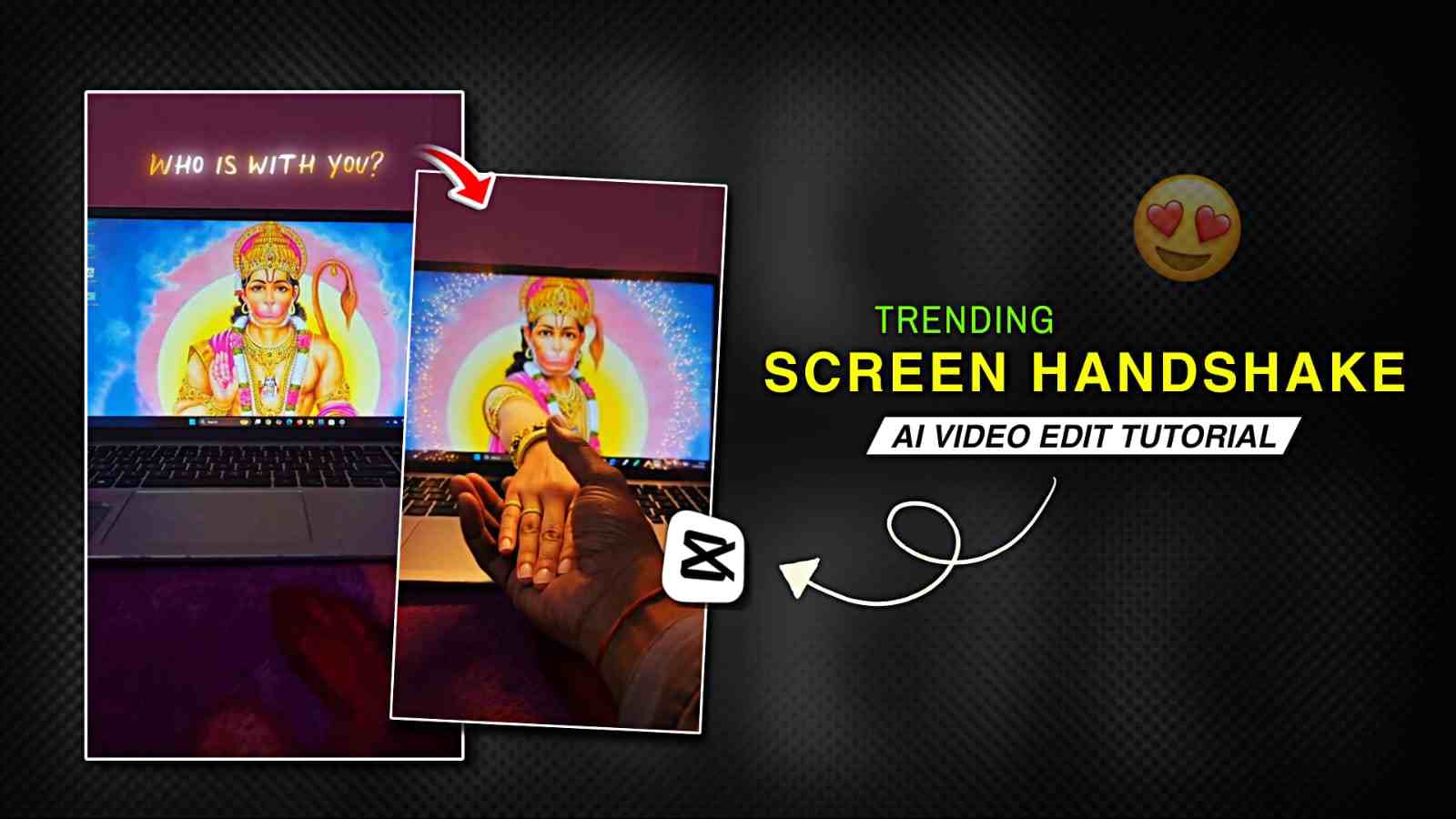
Trending Screen Handshake AI Video Editing – If you use Instagram, you might have seen the trending screen handshake videos in which Spider-Man or Hindu gods appear to come out of the screen, and the person acts as if they are shaking hands with them. It looks amazing and often feels devotional or magical, which is why this trend is becoming very popular on Instagram. Because of this growing trend, I have decided to create a tutorial on this topic in an easy and simple way. In this article, I am going to share the complete A–Z process so that you can easily create your own video. After making it, you can upload it to Instagram, get lots of views, and even go viral. So, please check out the full article for a better understanding.
What is the Ai Screen Handshake Video?
AI screen handshake videos are generated using AI tools like Grok and Flow AI for free. In this type of video, a normal person appears to meet or shake hands with gods such as Shiva Ji, Hanuman Ji, or other inspiring personalities virtually, which makes the scene look very realistic. One of the best parts of these videos is the background music, which is usually peaceful and devotional, creating a strong emotional connection with viewers. Because of this, such AI videos are trending on Instagram and YouTube. If you really want to create this type of trending AI video with your favorite god, then this article is for you. Check out the paragraph below carefully.
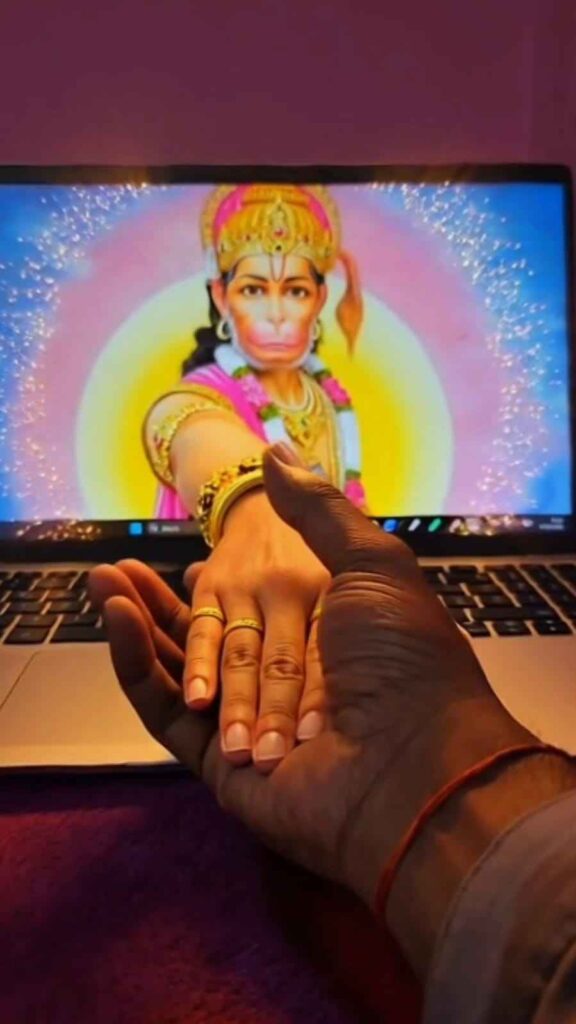
Use the uploaded image as the base frame. Do not change the laptop, desk, environment, lighting, camera angle, or the image on the laptop screen. The character on the laptop screen must remain exactly the same. IMPORTANT: Do NOT create a new or extra hand.Only extend the existing hand of the character that is already visible on the laptop screen. The exact same hand from the screen slowly comes out through the laptop display like a portal. The hand must clearly look connected to the character inside the screen. No extra hands, no duplicate hands, no new limbs. The hand naturally extends out of the screen into the real world and reaches toward the real human hand in front of the laptop. Both hands meet and gently grab each other in a realistic way. The laptop screen image must remain stable and unchanged.Ultra realistic motion, natural hand anatomy, cinematic interaction between screen and real world..
How to make Screen HandShake AI Video for free?
Screen handshake video is an AI video that can be created using Grok or Flow for free, where you do not need to spend any money. By following a few simple steps, you can easily create your own video. first you need a laptop or PC. After that, add a 4K-quality image of your favorite god or person on the screen. Then record a video where your hand moves toward the laptop screen as if you are trying to shake hands with the god or person on the screen. After recording, import the video into any editing app such as VN, InShot, or CapCut. You can cut out the extra parts and then take a screenshot of the last frame. Next, open the Grok app and go to the Animate Photo option, upload your screenshot, and paste the prompt given below. After some time, your AI video will be generated. Finally, go back to your editing app, import the AI video, add a mix transition, and your screen handshake video will be ready.
Use this Prompt to Create Ai Video on Grok Ai
Copy the prompt given below and click on the Create Your Video button. After that, you will be redirected to the Play Store, where you need to install the app if you do not already have it. Then sign in with your Google account and go to the Animate Photo option. Simply upload your photo and paste the prompt. After a short time, your video will be created.
Conclusion
In this article, I have explained how to make a trending Instagram screen handshake AI video using Grok AI for free in an easy way. I have covered the complete A–Z process so you can easily create this type of devotional video. I hope this article helps you in making your own video. If you face any problem, you can let me know in the comment box, or you can also contact me through my social media handles, where I will try to respond as soon as possible.