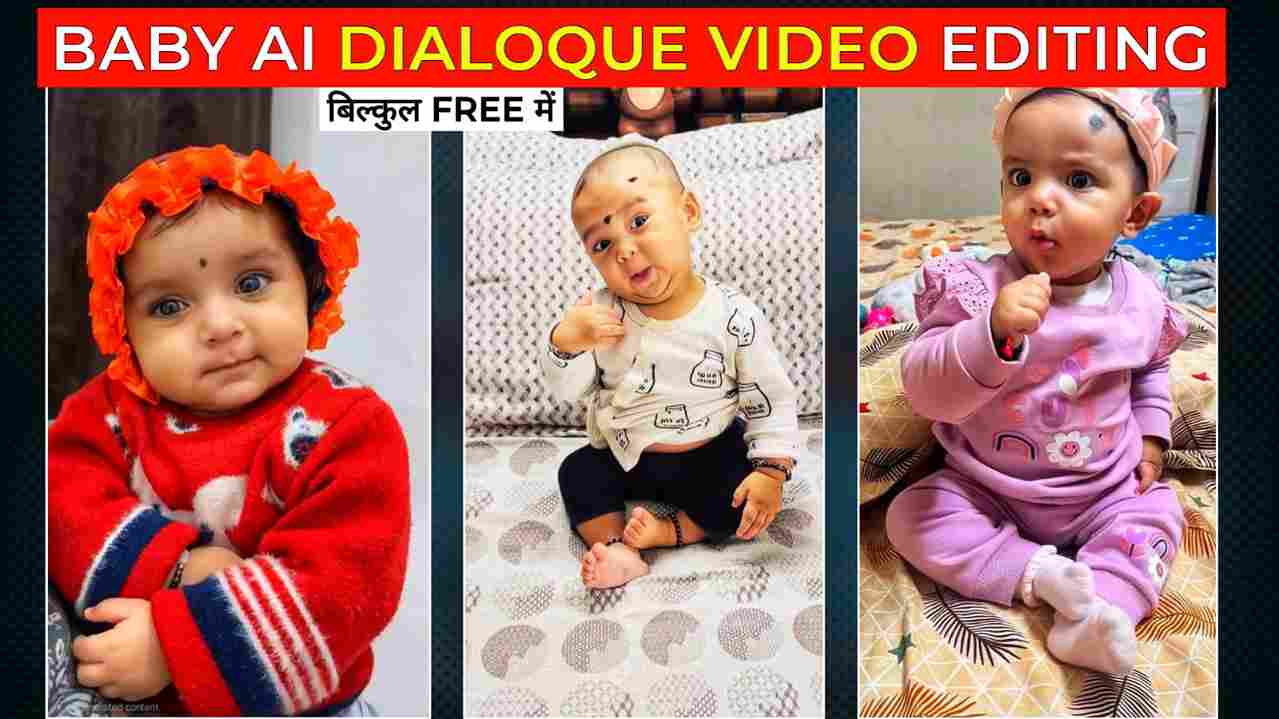
The baby AI dialogue trend is rapidly gaining popularity on Instagram, with adorable videos of babies acting like popular celebrities attracting millions of views. These videos feel realistic, entertaining, and instantly grab viewers’ attention, making them a great opportunity for content creators who want to grow their audience. After watching several viral videos, I decided to create a complete step-by-step guide to help you get started. In this article, you will learn the entire process of creating baby AI dialogue videos in a simple and beginner-friendly way, along with tips on sharing them effectively on your Instagram handle to boost reach and engagement. If you’re looking to create trending content and improve your chances of going viral, be sure to read this guide carefully so you don’t miss any important steps.
Why AI Baby Dialogue Videos Are Going Viral on Instagram?
AI baby dialogue videos are becoming extremely popular on Instagram because they are cute, entertaining, and instantly grab attention. People naturally enjoy watching baby-related content, and when artificial intelligence is used to create realistic dialogues or expressions, the videos feel fresh and unique. This combination makes viewers more likely to watch till the end, replay the video, and share it with friends. Another reason for their popularity is the short-video format, which perfectly matches today’s fast-scrolling social media habits. Instagram’s algorithm also favors engaging content, helping these videos reach a wider audience quickly. As more creators join this trend, it continues to grow rapidly. For anyone looking to increase views, attract followers, and create trending content, AI baby dialogue videos offer a smart and effective opportunity.
Create a realistic animated video where the baby accurately mimics the expressions, mouth movements, emotions, and gestures from the reference dialogue video. Keep the baby’s facial features consistent and avoid any warping or unnatural motion. Focus on smooth animation, proper lip-sync, natural eye movement, and detailed expressions. The output should be high quality, visually appealing, and optimized for short-form social media content.
How to Create Baby AI Dialoque Video?
- First, click on the create video button on the Higgsfield AI website to get started.
- Next, sign up for a new account or log in if you already have one.
- Once you enter the dashboard, explore the available tools and select the one you need.
- Then, choose the motion control option to animate your image using a reference video.
- After that, upload your reference video along with the image you want to use.
- Now, click on generate and wait a moment while the AI creates your video.
- When the video is ready, download it to your device and share it on your social media platforms.
How to Sign In on the Higgsfield AI Website?
Signing in to the Higgsfield AI website is a quick and simple process that anyone can follow. Start by opening your preferred web browser and visiting the official Higgsfield AI website. Once the homepage loads, locate the Sign In button, typically found at the top-right corner, and click on it. Next, enter your registered email address and password, then click the Sign In button to access your account. For a faster and more convenient login, you can also select Continue with Google to sign in instantly without remembering another password. If you’re new to the platform, simply click on Sign Up, fill in the required details, and verify your email if prompted. Within just a few minutes, your account will be ready, allowing you to explore all the features Higgsfield AI has to offer.
Conclusion
Friends, in today’s article, I have shared a simple and easy process to help you create a viral AI baby dialogue video. Using the same method, you can also generate fun AI baby dance videos. On Higgsfield AI, babies act based on the reference video you provide, making the results look realistic and engaging. The platform currently offers free video generations for new users after signing in, and I have explained all the details in the paragraphs above. I hope you find this guide helpful and easy to follow. If you face any problems while creating your video, feel free to let me know in the comment section or reach out to me on Instagram for a quick response.