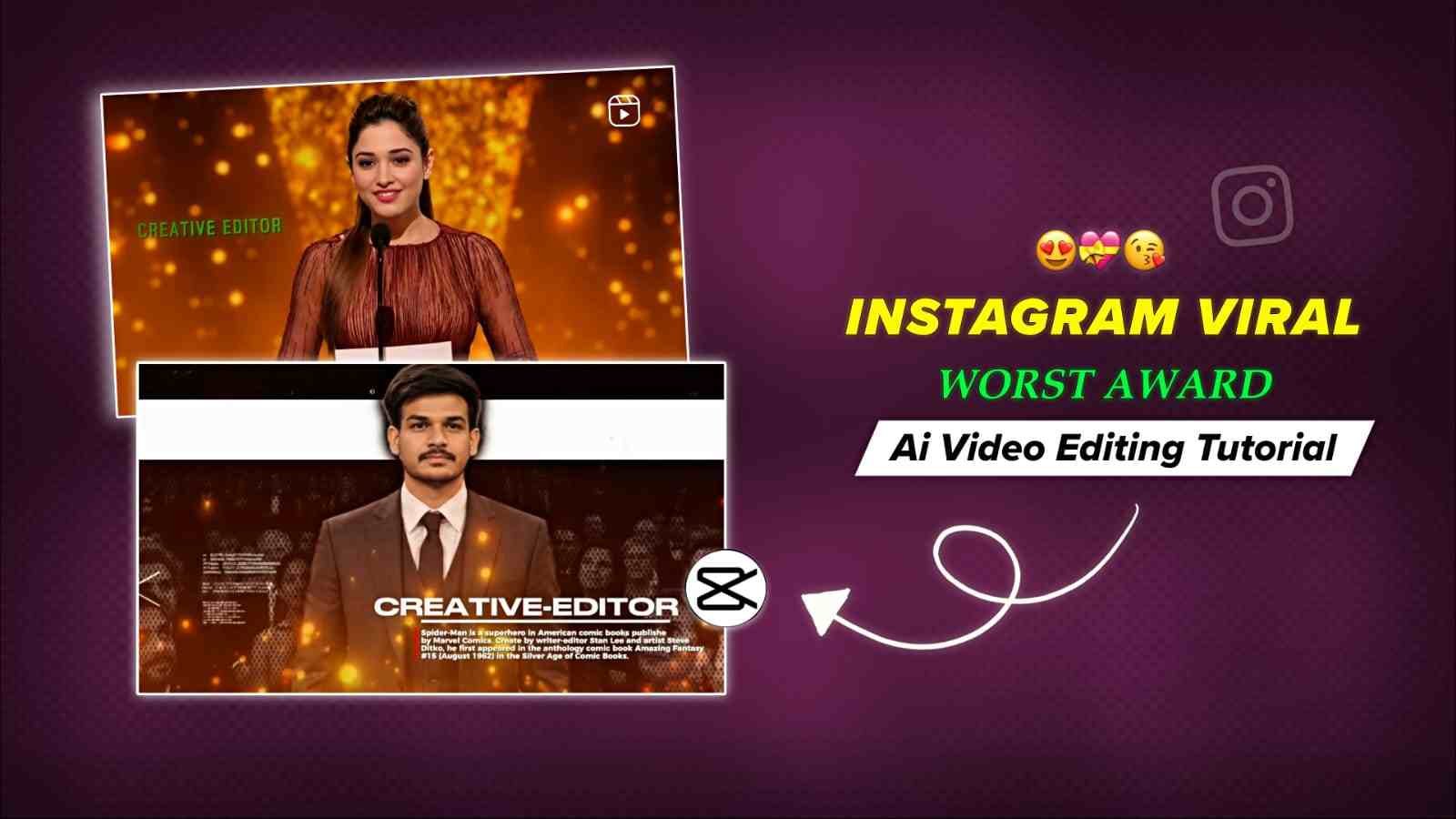
Friends, if you use Instagram, you might have seen the “Best/Worst Editor Award Goes To…” reels trending on Instagram. In these reels, a female person says, “The Best/Worst Editor Award goes to…” followed by the name of a specific editor or person. After that, the named person stands up from their chair, walks to the award stage, receives the award, and thanks the audience. If you also want to make this type of video and flex with your friends, then this article will help you from A to Z with AI video generation. We will also talk about the CapCut video editing part, which is the main part of this type of reel. So, please read this entire post to create a high-quality edit.
Details of Best/Worst Editor Award AI Video Editing
To create this trending Best/Worst Editor Award AI Video, you first need to generate an AI video using Flow AI. Flow AI allows you to create realistic talking videos where AI characters can naturally speak dialogues with accurate lip-sync and facial expressions. You can use the free credits available on the platform to generate high-quality videos without spending money. Simply upload your AI-generated image, enter the prompt, and let Flow AI create a cinematic speaking video. Once your AI video is ready, you can edit and synchronize it with the Funk Taka background music in CapCut to achieve the same viral effect seen on Instagram Reels.
Use This AI Video Prompt
Part 1: Award Announcement
Presenter: Elegant woman (25–30, blonde, blue eyes, cobalt-blue sequin gown) standing behind a transparent podium on a luxurious awards stage with warm golden bokeh.

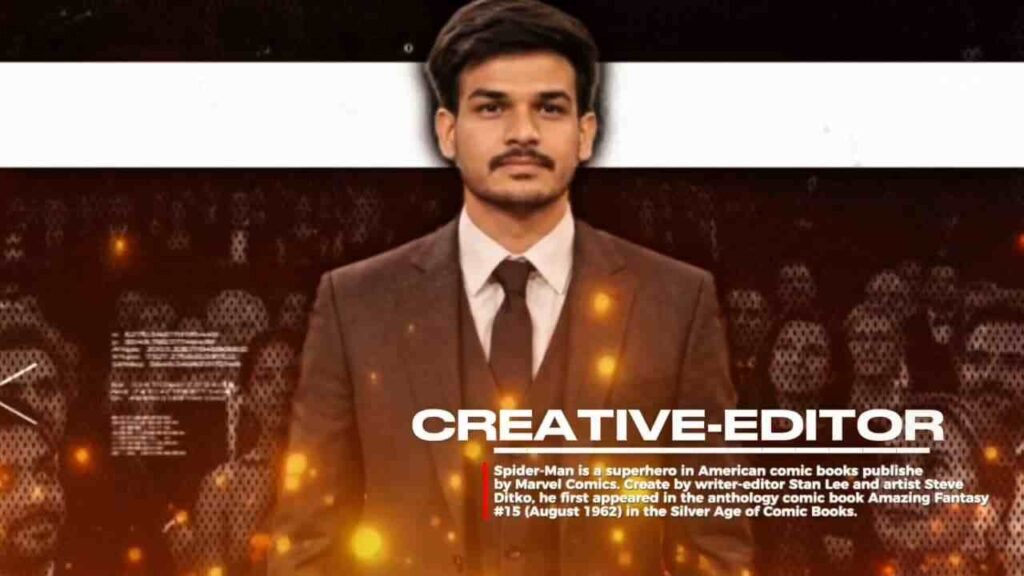
Creative Editor (Harish): South Asian male (20–25, short textured taper fade, black rectangular glasses, charcoal suit).

Scene Breakdown:

Presenter (0:00–0:03): Static close-up; says dramatically: "And the award for worst editor of all time goes to…"

Audience Reaction (0:03–0:04): Cut to Azhan sitting tensely in his seat, staring at the stage.

Announcement (0:04–0:05): Presenter smiles and announces: “…Creative Editor!”

Standing Ovation (0:05–0:09): Azhan reacts with emotional relief/surprise, stands smoothly, buttons his blazer, and turns to the stage as the crowd erupts into applause.

Cinematography & Audio: 16:9 4K UHD, 24fps, anamorphic lenses, 3-point stage lighting, authentic theater ambience and applause (no music).

Part 2: Acceptance Speech Sequence
Setting: Luxury stage with a wooden podium, dual gooseneck mics, golden abstract statuette backdrop, and a fully occupied theater audience.

Main Character (Azhan): Exact identity reference lock—taper fade haircut, glasses, charcoal suit, white shirt, and slim necktie.

Action & Camera:

Tracking Shot (50mm lens): Azhan walks to the podium holding a gold statuette with a humble smile while the audience applauds.

Medium Close-Up (85mm lens): Static frame at the podium under warm 45° key light and golden rim light.

Speech: Azhan makes eye contact with the camera/audience and says: "Thank you… thank you everyone."

Visual & Audio Style: Ultra-photorealistic live-TV broadcast aesthetic (ARRI Alexa 35 / Sony VENICE 2 feel), realistic skin pores and cloth physics, shallow depth of field, authentic live venue acoustics.
How to Make a Best/Worst Editor Award AI Video
Creating a viral Best/Worst Editor Award AI Video is very easy if you follow the right workflow. In this tutorial, you’ll learn the complete process, from generating a realistic AI video in Flow AI to editing the final reel in CapCut. Even if you’re a beginner, you can recreate this trending Instagram Reel in just a few minutes by following the steps below.
- Click the Generate Video button above and sign in to Flow AI using your Google account.
- Copy the AI prompt provided on this page.
- Upload your photo along with the female presenter’s reference image in Flow AI.
- Paste the copied prompt, set the video aspect ratio to 16:9, and review the generation settings.
- Click Generate and wait for Flow AI to create your cinematic talking video.
- Once the video is ready, download it and import it into CapCut to sync it perfectly with the Funk Taka background music and complete the viral award-style edit.
Everything You Need to Know About Flow AI
Flow AI is Google’s AI video generation platform that helps you create realistic videos from text prompts and images. You can generate talking AI characters, cinematic scenes, and trending social media videos without requiring advanced editing skills. Simply upload your images, enter a prompt, and Flow AI will automatically create a high-quality video based on your instructions. The platform also offers free daily credits, making it easy for beginners to create AI videos at no cost. Whether you’re making Instagram Reels, YouTube Shorts, or viral AI content, Flow AI is one of the best tools for fast and professional AI video generation.
Conclusion
In this article, I have explained how to create the trending Best/Worst Award AI Video for Instagram using Flow AI. In the third paragraph, I have provided the video prompt, which you can use to easily generate the AI video. After that, edit the clips according to the background music, take a screenshot of the required frame, and crop it. Then, open CapCut, search for the “Montagem Tenta 3” template, import the screenshot, and add it to the main clip. That’s all you need to do for a perfect edit. If you still don’t understand the process, check out my YouTube channel for the full tutorial. I hope you’ll definitely understand the complete editing process after watching the video.