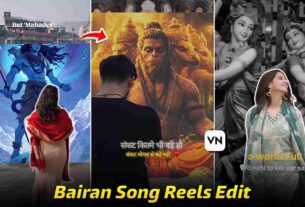
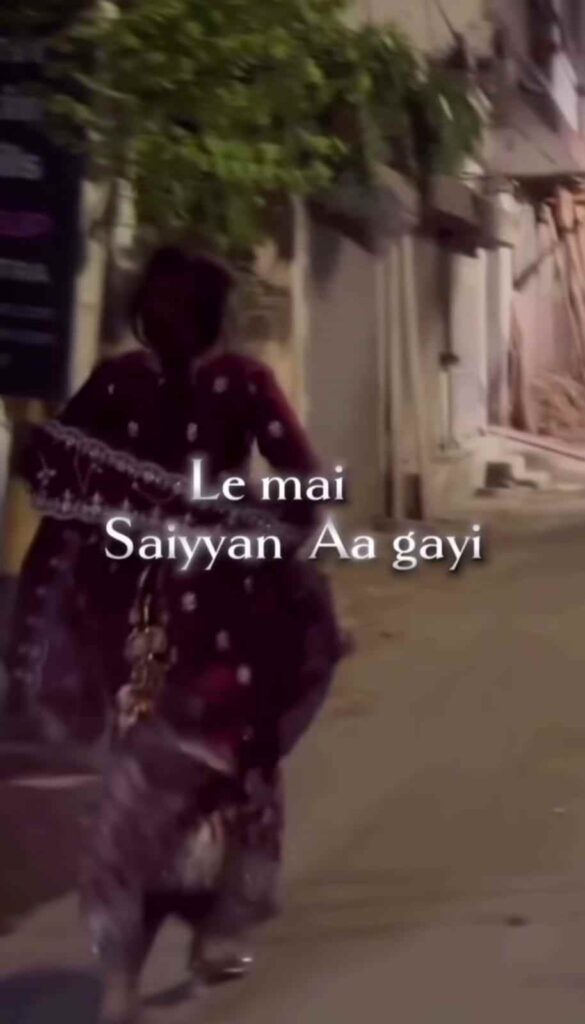
Currently on social media, Pairon Mein Bandhan Hai song videos are going viral because this type of video points to couples, where the boy says, “Ghar Wale Ya Mai,” and the girl responds by showing the “Le Main Saiyyan Aa Gayi” song lyrics. Guys, if you have fallen in love with someone, then you should try this, and you can tell her your feelings by sharing this video. Pairon Mein Bandhan Hai is a very popular song from the Bollywood film Mohabbatein. Literally, this song touches our hearts whenever we listen to it. So, if you are interested in making this video, then please check out this article for a better understanding.
Details of Ghar Wale Ya Mai VN Template Code
Let me tell you about the Instagram trending Pairon Mein Bandhan Hai song reel that is currently being made by many users on Instagram. Basically, this song video is totally dedicated to lovely couples who really want to marry each other, but the boy says to the girl, “Ghar Wale Ya Main,” with the words, “If your family does not accept me, then what?” Then a transition comes, and the girl says to the boy with the words, “Le Main Saiyyan Aa Gayi,” which is a very heart-touching moment. Guys, in this article, I will explain the A to Z process through which you can easily make your video using the VN Video Editor app. This app has a lot of features and an easy-to-use user interface, so even beginners can easily use this app for editing. The VN Template Code is a very popular feature through which users can edit their reels in just a few steps.
How to Make Pairon Mein bandhon hai Song Video
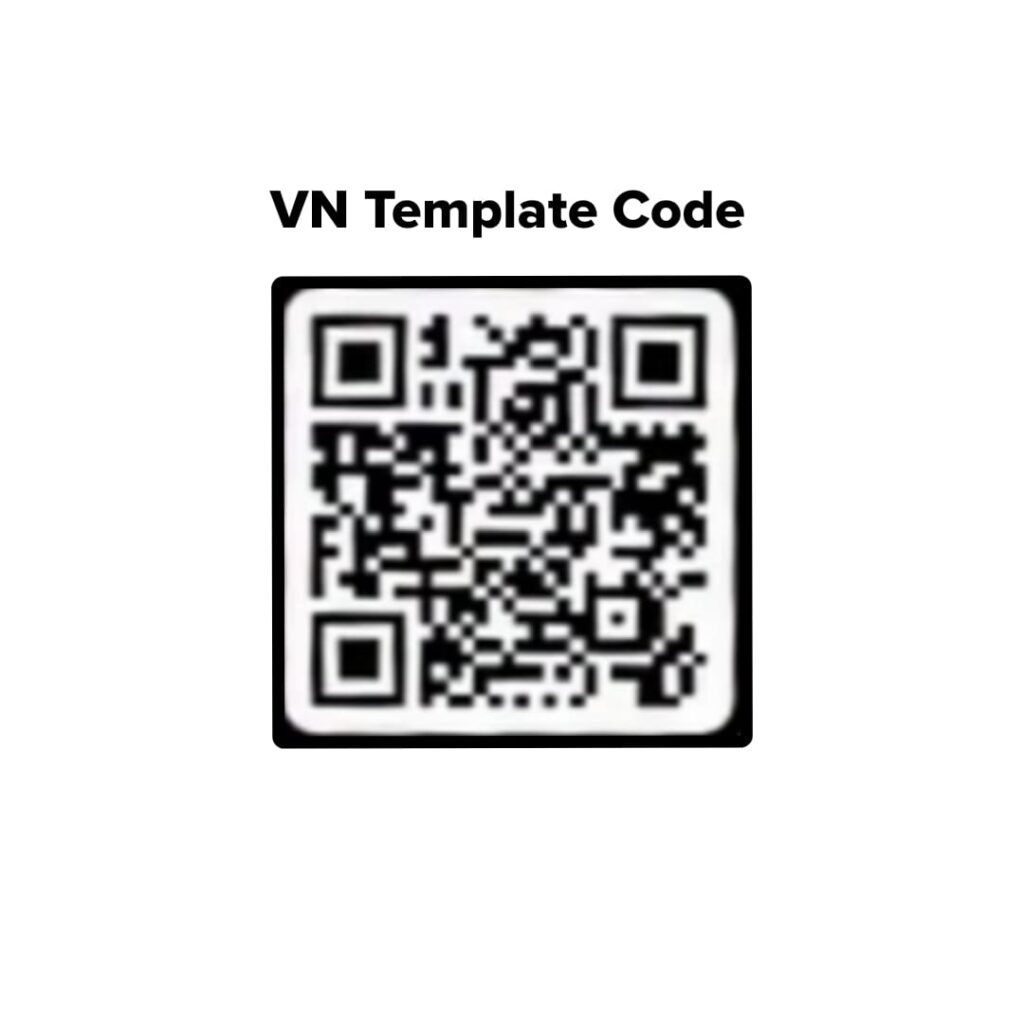
Below, a VN Template Code is given that you need to download by pressing and holding it, or you can take a screenshot of this VN code. After that, you must have the VN Video Editor app, which you can install from both the Play Store and the App Store. Once you have the VN app, open it and go to the scanner option at the top-right corner, then import the downloaded or screenshot VN Template Code. Now you will see the template with a preview. Click on Download Template and then Use Template. After that, you have to select your clips. That’s all! Your trending video is ready. Export it in the best quality.
Save This VN Code or Take a Screenshot ⬇️
What Is VN Video Editor App? Features & Why Creators Love It
VN Video Editor is a free and beginner-friendly video editing app available for both Android and iPhone. It offers a simple interface along with powerful editing tools, making it a popular choice among content creators for editing Instagram Reels, YouTube Shorts, and TikTok videos. The app includes features like multi-layer editing, transitions, text animations, filters, speed control, keyframes, and high-quality video export. One of its most popular features is the VN Template Code, which allows users to recreate trending edits in just a few taps without editing everything from scratch. Whether you are a beginner or an experienced editor, VN Video Editor provides all the essential tools needed to create professional-looking videos quickly and easily.
Final Words
In this article, I have talked about how to make the Instagram trending Pairon Mein Bandhan Hai song reel video using the VN Template Code on the VN Video Editor app. The best part of the VN app is that it is available on both the Play Store and the App Store, so both types of users can easily edit their reels. In the above paragraphs, I have shared full details through which you can easily make your video. I hope you all enjoyed this process. If you face any issue anywhere, then you can contact me on my Instagram handle or in the comment box. I will quickly try to fix your problem.