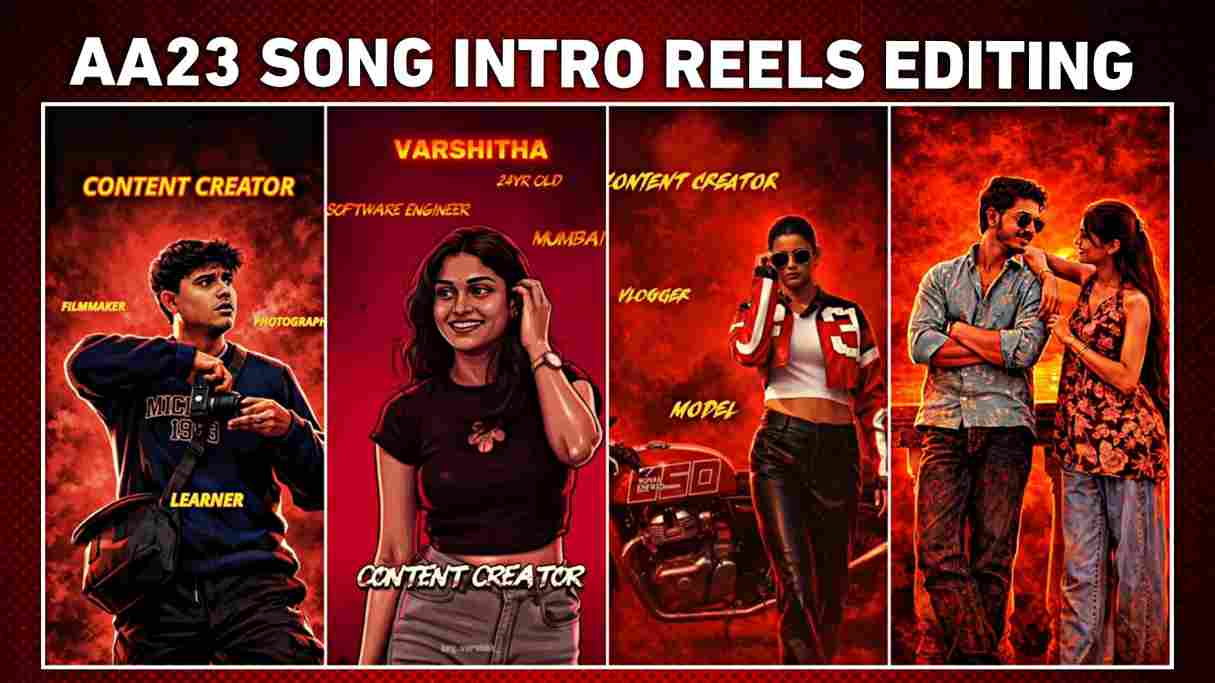
Viral ChatGPT Character Intro AI Photo Editing Prompt- In this article, you’ll learn how to use a powerful ChatGPT character intro AI photo editing prompt to turn a normal photo into a trending character intro–style image that works perfectly for both boys and girls and is currently being used by thousands of creators to generate cinematic intro visuals for Instagram reels, and with character intro reels paired with AA23 music and the Powerhouse song going viral right now—helping creators gain massive reach, views, and engagement—I’ve shared the exact prompt along with a step-by-step tutorial and a YouTube guide so you can easily create your own professional character intro image and video without any confusion.
Why Is the Character Intro Trend Going Viral?
The character intro trend is popular because it helps creators clearly introduce themselves and their profession in a visually attractive way, whether they are content creators, editors, photographers, dancers, developers, or professionals from any other field, and the use of cinematic background music like AA23 and Powerhouse adds energy, drama, and emotion, making these intros feel like movie openings that naturally capture attention and increase watch time.
What Is ChatGPT and How It Is Changing the Way We Use AI
ChatGPT is an advanced AI tool developed by OpenAI that helps users generate human-like text in a simple and conversational way. It is widely used for writing articles, social media captions, emails, scripts, and even for learning new topics. ChatGPT can answer questions, explain complex ideas in easy language, and help users save time by completing tasks faster. One of the best things about ChatGPT is that it is easy to use and does not require any technical knowledge. Students use it for study help, creators use it for content ideas, and businesses use it to improve productivity. When used responsibly, ChatGPT becomes a powerful assistant that supports creativity and makes daily digital work easier and more efficient.
Trending Character Intro Image Prompt for ChatGPT
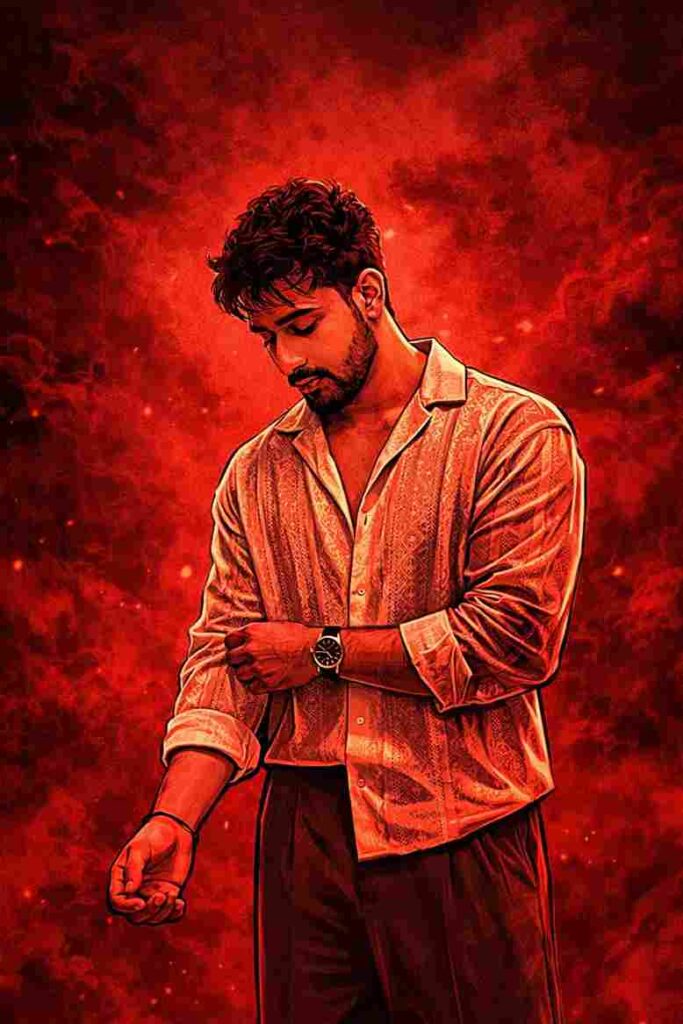
Create a cinematic digital illustration while maintaining the exact face identity, hairstyle, expression, skin tone, and pose with zero distortion. Transform the scene into a deep red, high-contrast Tamil gangster movie poster style. Replace the background with red gradients, smoky atmosphere, and subtle textures. Add bold comic-style shading, thick outlines, strong black shadows, and glossy highlights on skin and clothing. Enhance jawline, cheekbones, and body edges with intense highlights. Keep the original pose and attitude. Create a gritty, powerful cinematic mood with dramatic lighting, ultra-detailed sharp lines, and 4K-quality illustration.
How to Make a Character Intro Photo Using ChatGPT
Follow below given steps to make viral Character Intro Photo
- Open any web browser on your mobile phone or desktop device
- Search for the Harish Edits website and open it from the search results
- Navigate to and open the Character Intro post available on the website
- Copy the ChatGPT character intro prompt provided in the post
- Click on the Create Your Image button mentioned there
- Log in to your ChatGPT account if you are not already signed in
- Upload the photo you want to convert into a character intro image
- Paste the copied prompt and wait for ChatGPT to generate the image
- Download the final generated image and use it in your character intro video edit
Conclusion
Friends, in this article I have explained how to create a trending character intro image using ChatGPT and turn it into a viral Instagram reel, along with sharing practical tips and a complete YouTube tutorial that explains the entire process step by step, making it easy even for beginners, and I hope this guide helps you create a powerful, professional character intro while growing your Instagram reach and engagement.