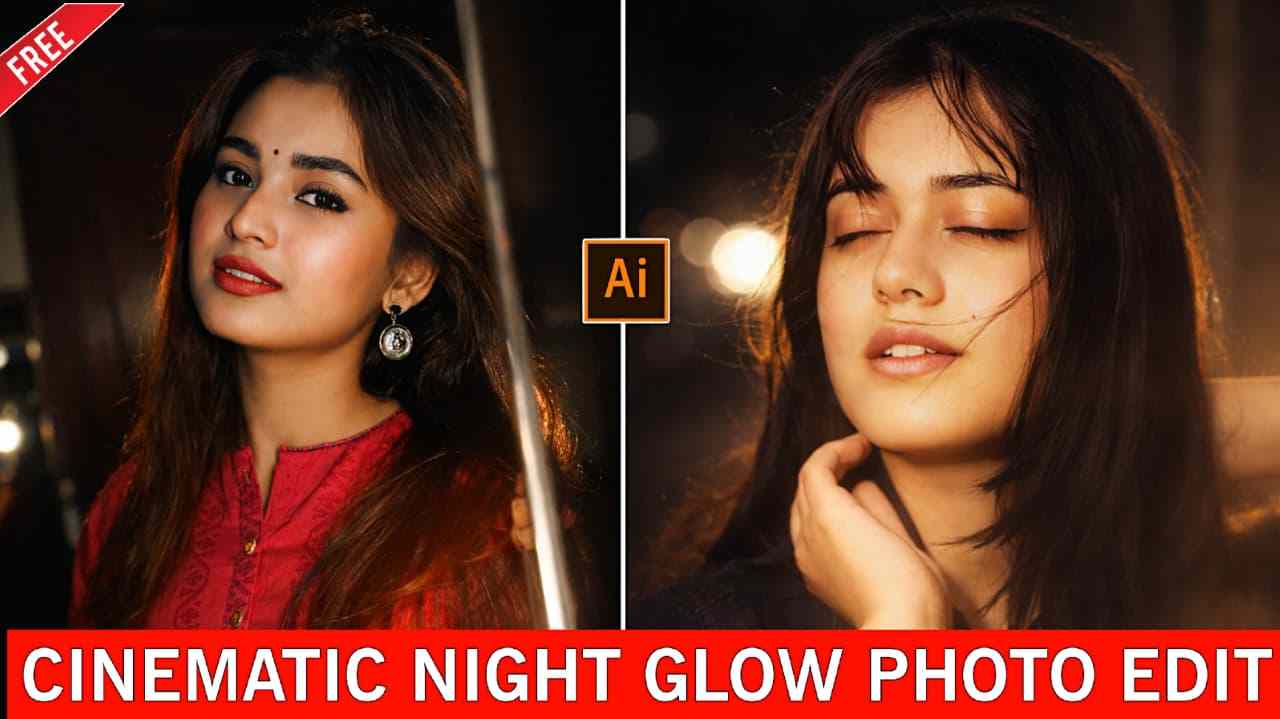
Turn Any Photo Into Cinematic Night Glow with AI — In this article, I am going to share an amazing prompt through which you can turn your normal photo into a high-quality cinematic night glow image. This style is currently going viral on Instagram, as many people are transforming their photos into cinematic night glow visuals and posting them on their accounts to gain more reach and engagement. Such images instantly grab attention, encouraging viewers to like, comment, and often ask for the prompt. Now, you don’t need to comment to get it — the prompt is provided below along with a complete A-to-Z explanation of how to use it effectively for the best results. Make sure to check out the entire article carefully to achieve a better outcome.
What is Cinematic Night Glow Editing?
Cinematic night glow editing is a style that enhances image quality by adding a dreamy, cinematic night glow effect to any photo while also sharpening and upscaling details for a more refined and professional look. This technique transforms ordinary pictures into visually striking images that appear more polished and captivating. As a result, many people are creating these glowing visuals using AI. With the prompt provided below, you can easily turn your normal photo into a highly detailed image without putting in a lot of effort—simply follow the steps carefully to achieve the best results.
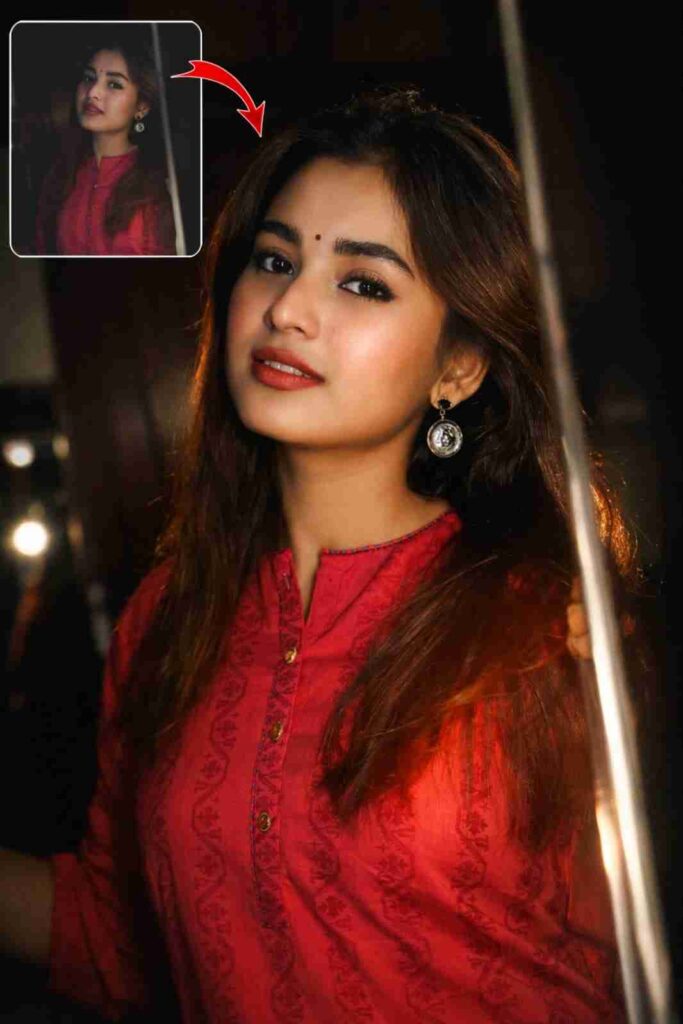
Apply a cinematic night-flash aesthetic while preserving every original detail. Do not alter the subject’s face, hair, identity, pose, framing, lens, or composition. Keep a dark nighttime environment with existing shadows and background intact. Use a strong warm front flash on the face and upper body so the subject is the brightest element. Add high contrast, subtle bloom, light haze, gentle peach skin glow, soft backlit hair strands, and slight foreground depth. Face, hair, pose, and composition must remain 100% identical.
How to Turn Any Photo Into a Cinematic Night Glow
Turning any photo into a cinematic night glow is very easy; you just need to follow the steps given below.
- Open the ChatGPT app or visit the ChatGPT website.
- Sign in with your Google account.
- Upload a clear photo of your face.
- Paste the prompt into the prompt box provided above.
- Wait a few moments while the image is generated.
- Download the image once it is ready.
- If you do not get the desired output on the first try, regenerate the image to achieve a better result.
Pro Settings for Better Results
If you want high-quality results, keep these points in mind: upload a clear photo with good lighting where your face is properly visible for the best outcome. Avoid uploading back-facing photos or images in which your face is not clearly shown, as this can reduce the quality of the final result. Using a high-quality image greatly improves the chances of getting the best output from the prompt provided above. For more accurate results, consider using advanced AI tools, as free versions may sometimes have limitations; if you encounter such restrictions, you can also try other reliable AI platforms for faster and more refined results.
Final Words
In this article, I have shared the best method to turn any normal photo into a cinematic night glow style image. I’ve also explained the complete A–Z process, including why using the ChatGPT app provides a better and smoother experience, along with a pro tip to help you get the best results. I hope this article helps you! If you face any problems, feel free to let me know in the comment box, and You can also reach out via my social profiles listed on the Contact page.