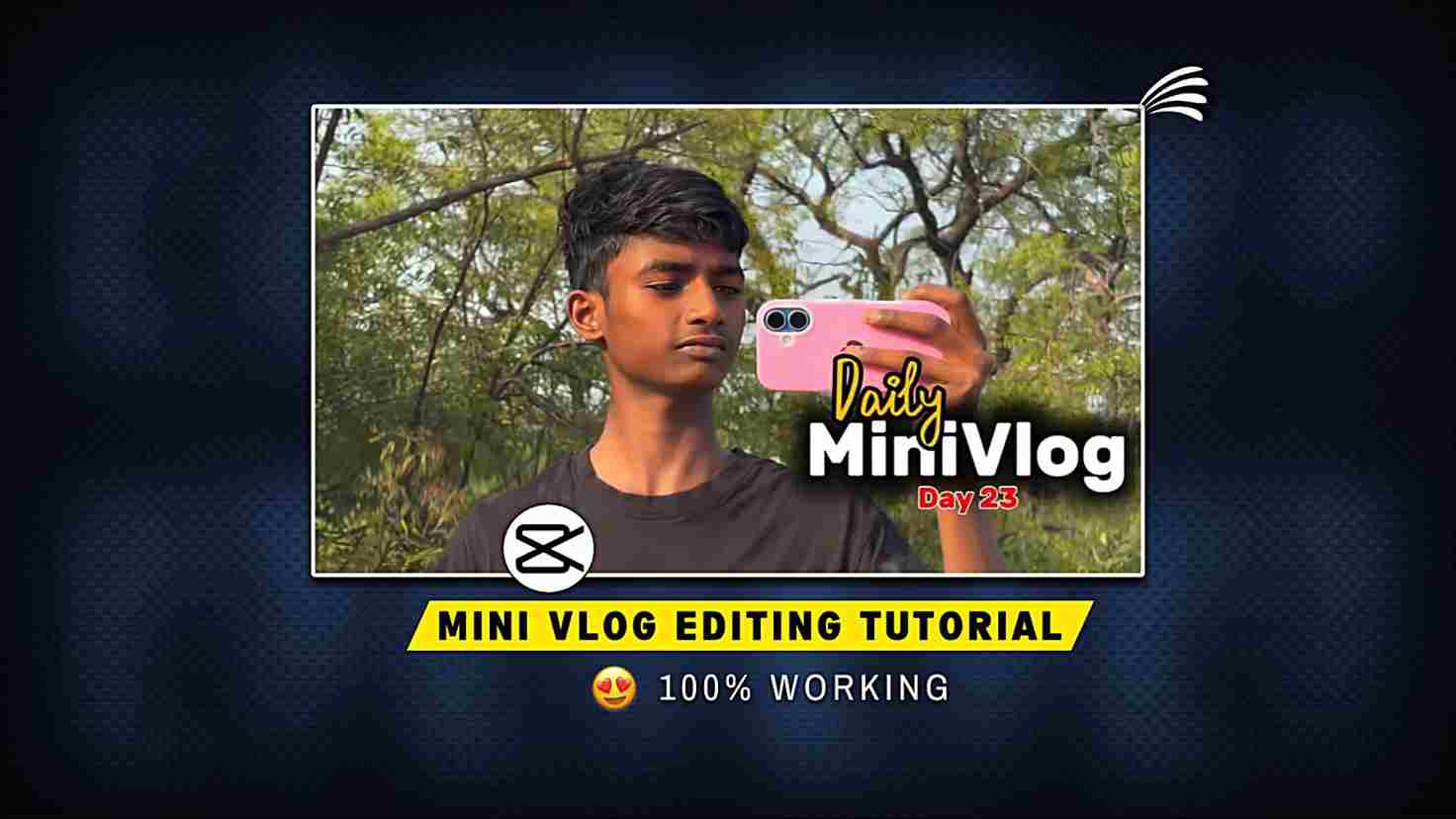
In this article, I am going to talk about Instagram trending Daily mini vlogs that are going viral on Instagram and YouTube. Here, you will get a complete guide on how to edit such trendy mini vlogs using CapCut. Even if you don’t know anything about editing, you can still create these trendy mini vlog reels using CapCut templates. You just need to follow a few simple steps, and your mini vlog will be ready within seconds. In the paragraph below, I will discuss the complete editing breakdown, so please read the full article till the end.
Why Are These Daily Mini Vlogs Going Viral?
There can be multiple reasons why these mini vlogs go viral. First, the background Bhojpuri song perfectly matches the vibe and keeps viewers engaged, encouraging them to watch the full video. Second, the short duration of around 12 to 15 seconds makes it easy for users to watch the video multiple times. These mini vlogs usually showcase the creator’s daily routine and work, using around 15 to 20 clips for a smooth flow. If you want to create such a reel, you should have at least 15 clips. You can record videos in your village if you live there, or capture good places around your city if you live in an urban area.
How to Edit Daily Mini Vlogs Manually on CapCut App
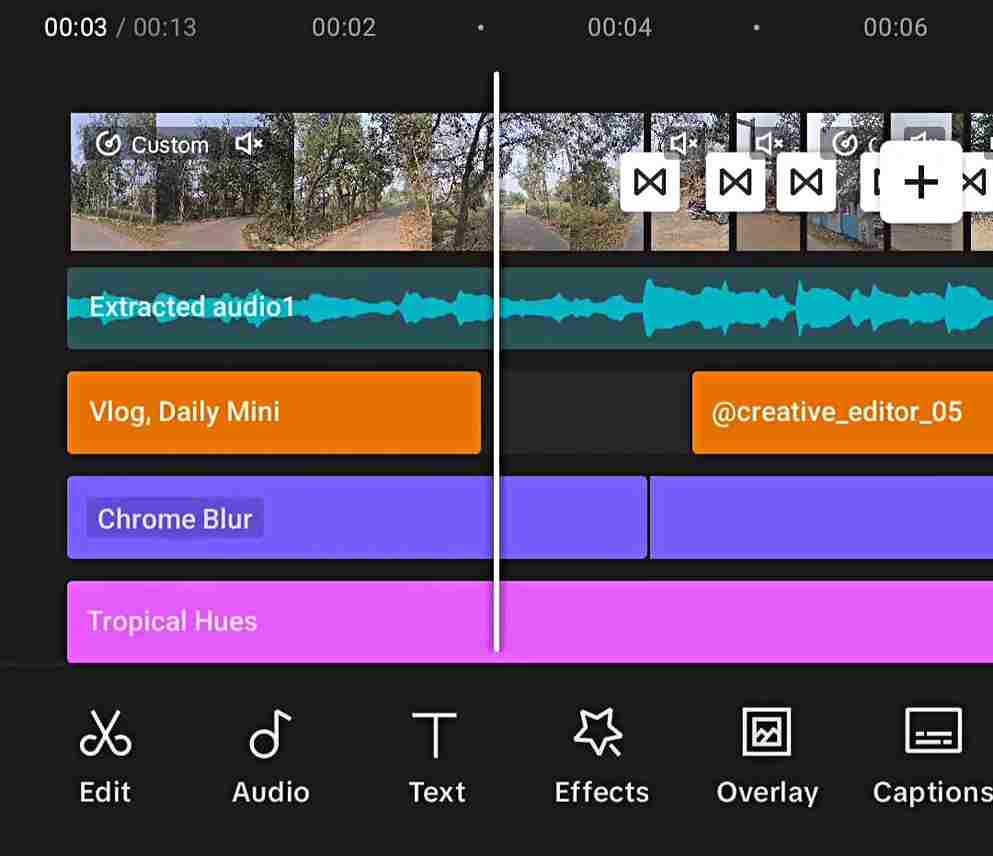
If you are interested in manual editing, then first you need the CapCut app because this app provides the best effects, transitions, animations, filters, and many more features that are very necessary for such mini vlogs on Instagram. Creators who upload mini vlogs also use the CapCut app. If you have CapCut, then import your best recorded videos, around 20 clips, and extract a song from any mini vlog. Then go to the beat option, enable auto beat, and adjust clips according to the song beats. After that, go to the first clip and add an opening animation, then go to text and add a daily vlog text template. Add a vertical blur II transition to all clips. After that, you can color grade your video as per your need, and then your video is ready. Just export the video in better resolution.
Check out the editing timeline for a quick reference ⬇️
Daily Mini Vlog Capcut Template
To use this Daily Mini Vlog template, you need the CapCut app. Once you have it, click on the ‘Check this template on CapCut’ button.

How to Make Daily Mini Vlog with a CapCut Template
If you are a beginner or don’t know much about editing, you can use a CapCut template to easily create mini vlogs. Follow the steps below to use the template.
- Open Chrome or Google and search “mini vlog CapCut template.”
- Open the official CapCut website.
- Choose any mini vlog template you like.
- Click on it and it will open in the CapCut app.
- Tap “Use Template” and add your clips.
- You can change text, filters, or effects if needed.
- Export the video in good quality.
Overall
In this article, I have explained how to make a trending daily mini vlog that is going viral on Instagram. In the above paragraphs, I have covered both manual and template-based editing. Using a template, you can modify a few things, but with manual editing, you can customize everything as per your choice, such as color grading, animations, transitions, text, and more. I hope this article helps you in making videos without any issues. If you face any problems, you can tell me in the comment box, and I will reach out to you soon and try to fix your problem.