
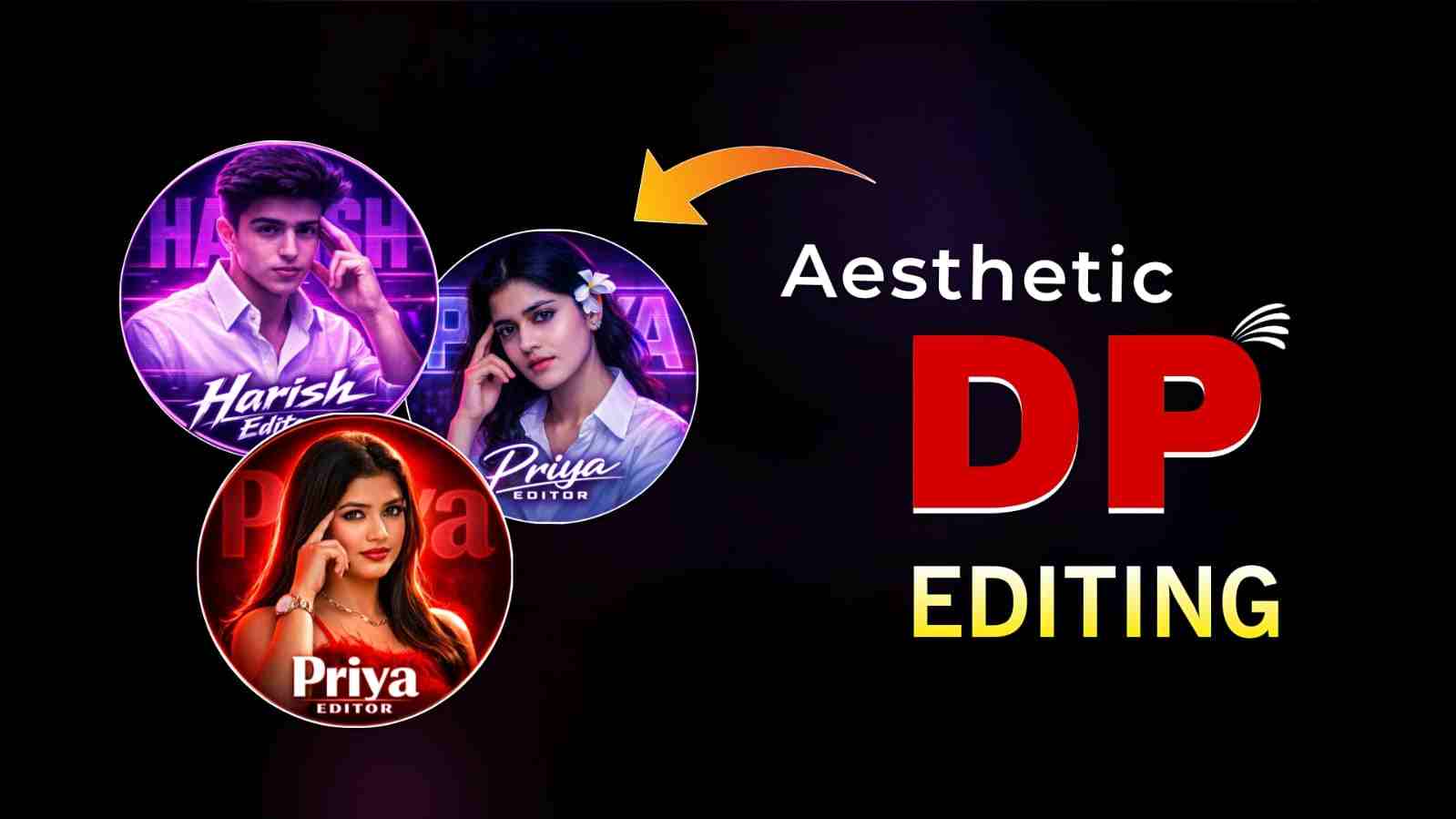
Best Aesthetic DP Editing Prompt- if you want to make your dp of instagram, whatsapp, youtube professional , attractive then you came at the right place because I here going to give best chatgpt prompt thorugh which you can easily create your amazing dp and it will help you to builds authority and attracts attention, it’s time of ai where you do not need to spend money and time in editing software by using right aesthetic dp prompt you can turn your normal photo into premium look profile picture, in this tutorial you will learn how to make premium look dp and step by step mehhod to create worthy dp.
What is an Aesthetic DP Editing Prompt?
An aesthetic DP prompt is a ready-made instruction used in AI tools to generate a professional and high-quality profile picture. With the help of this prompt, you do not need to spend time on editing or take any software subscriptions; in just a few steps, you can get a realistic image. Nowadays, complex tasks can be resolved using AI tools—simply describe your problem, and AI will help you fix it. For example, I used to use the PicsArt app for DP editing, where I needed to spend a lot of time to make a good DP, but by using a DP prompt, you can achieve great results in just a few steps.
Chatgpt Prompts For Aesthetic DP Editing
Note: After pasting the prompt below into ChatGPT, change the default name to your name.
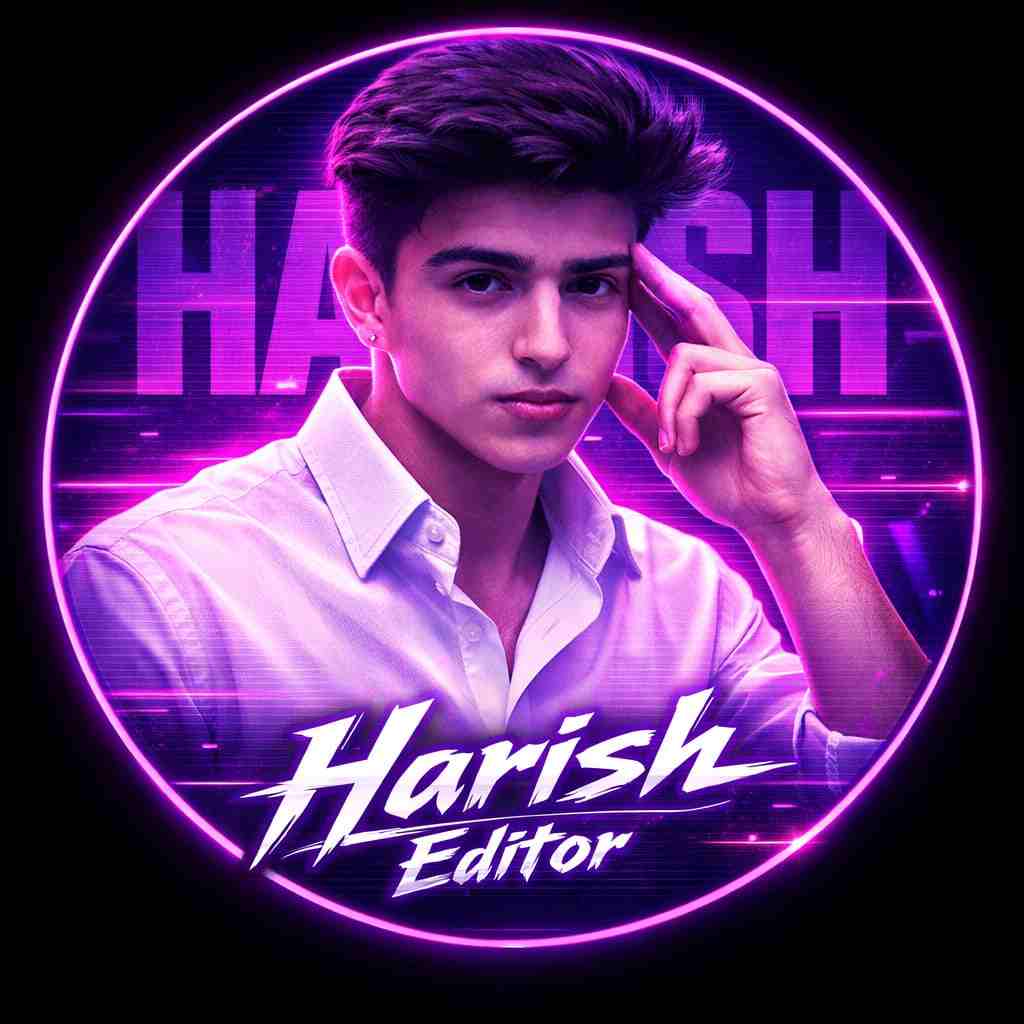
A circular profile picture design featuring Indian young boy. He is wearing a crisp white button-down shirt and looking intensely at the camera with a serious expression, his right hand raised with fingers touching his temple. The image has a strong monochromatic purple and neon magenta aesthetic. The background features large, translucent block text reading 'Harish' and a horizontal CRT scanline texture overlay. At the bottom, there is sharp, stylized white text that reads 'Harish Editor'. High contrast, digital fan art style, glowing neon lighting."
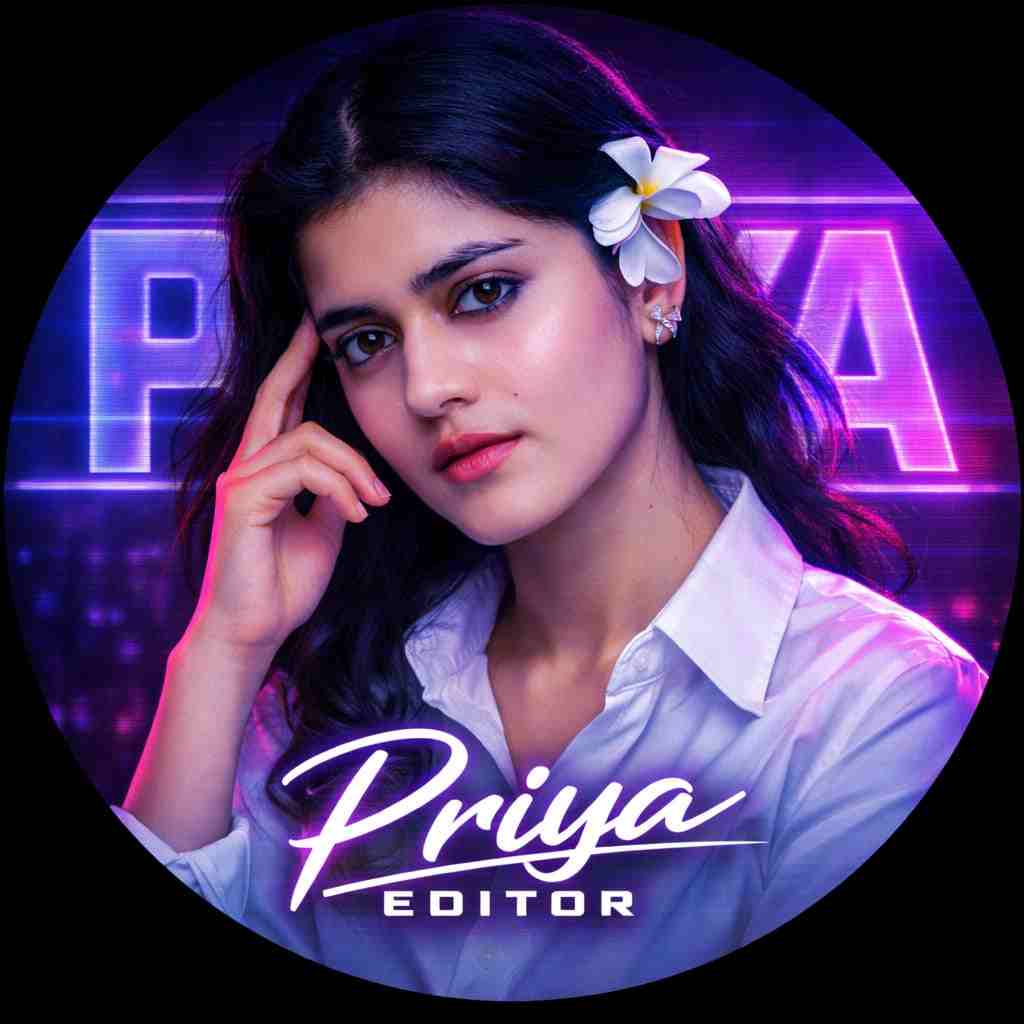
Use the provided photo to create a circular profile picture. Strictly preserve the original face — do not modify facial features, skin texture, eyes, or identity. Apply a high-contrast purple and neon magenta color grade with cinematic lighting while keeping natural skin tones intact. Ensure the subject wears a crisp white button-down shirt and is looking intensely at the camera with a serious expression, right hand touching her temple. Add a futuristic background with large translucent block text reading “Priya” and a subtle CRT scanline overlay. Place sharp, stylized glowing white text at the bottom reading “Priya Editor.” Ultra-detailed, professional, realistic lighting, premium social media profile picture, perfectly centered, 4K quality
Step-by-Step Guide to Create Your DP
To create your DP, follow the steps below:
- Open the ChatGPT app, or you can also open Gemini.
- Log in to your Google account if you have not already done so.
- Upload your clear face photo and paste the prompt given above.
- Make some changes to the prompt, such as your name and profession.
- After some time, your professional DP will be ready to use.
Pro Tips for a Viral Profile Picture
While uploading your image, make sure your photo is high-resolution with good lighting so it instantly looks more professional. Keep the background clean and clutter-free to ensure the focus remains on your face, and avoid heavy editing to maintain a natural and authentic appearance. Strong eye contact and a confident expression can make your profile more engaging, while balanced colors and subtle contrast enhance the overall look and help your DP stand out across platforms like Instagram, WhatsApp, and YouTube.
Final Words
In this article, I have shared the best DP prompt through which people can create a good-looking profile picture for Instagram, WhatsApp, and YouTube. I have provided a step-by-step guide to getting a realistic image and discussed pro tips to ensure good results that you should keep in mind. I hope this article helps you understand the process, but if you face any issues, such as not getting the desired result, you can comment to let me know and also contact me on Instagram; the Instagram icon is given at the top header.

Very nice
Hello
Dp