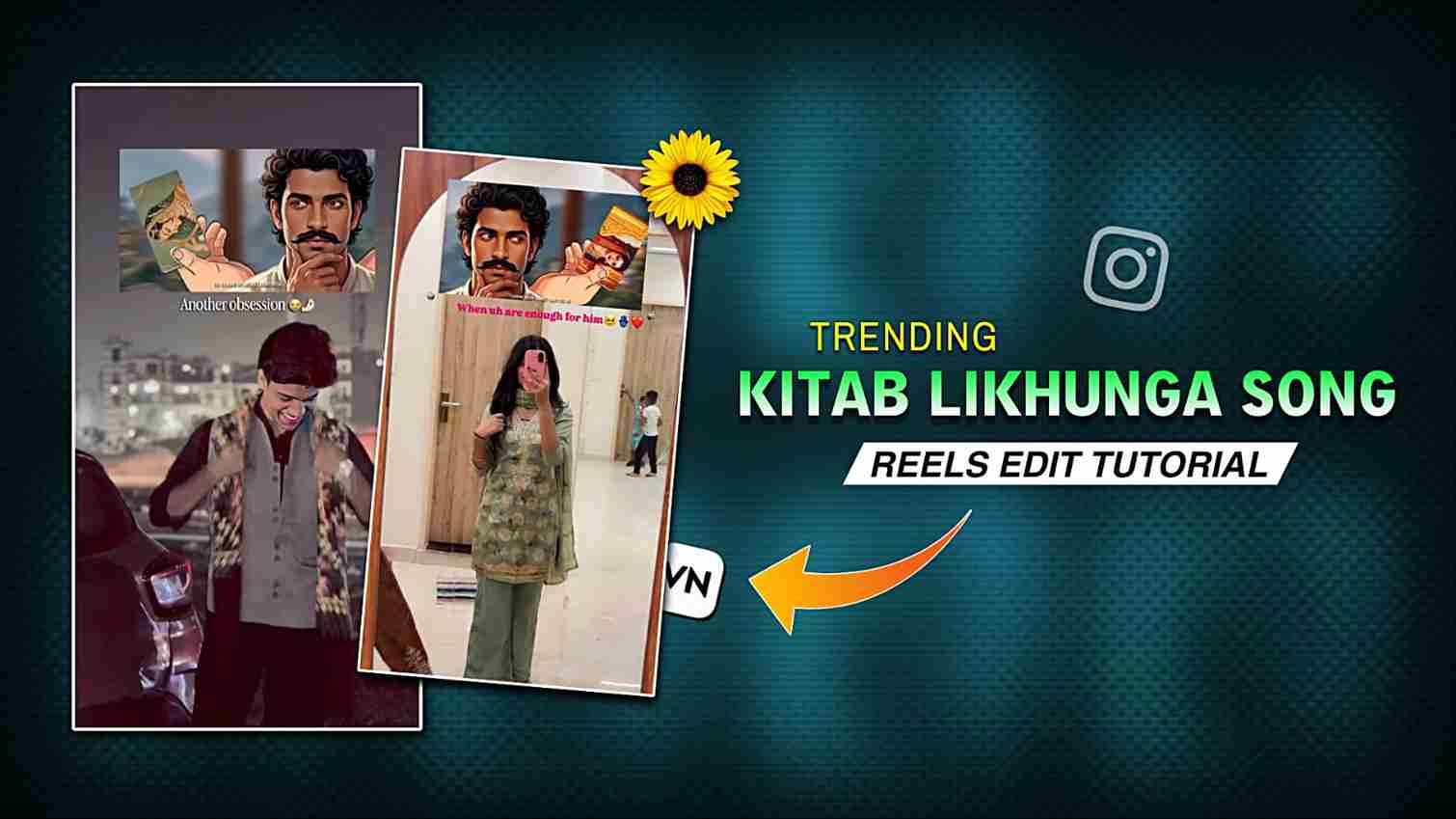
Viral Kitab Likhunga Reels Editing with VN Code – Currently, “Kitab Likhunga” song reels are going viral on Instagram, with both big and small creators posting reels on this song and gaining lots of views because it perfectly matches couples’ relationships and captures special, memorable moments of life. If you want to create a similar reel and share it with your partner as a memory or express your feelings to him or her, then you should definitely try this trend. The best part is that you can easily make these reels without spending hours on editing, and below I have shared all the steps, so please check out the full article for a better understanding.
Why Kitab Likhunga Song Videos Are Going Viral
The “Kitab Likhunga” song is going viral because it perfectly connects with people’s emotions, especially those in relationships, making it ideal for creating heartfelt and memorable reels. Its soft, expressive lyrics and relatable vibe allow creators to showcase love, memories, and personal moments in a simple yet powerful way. Another reason for its popularity is that the trend is easy to follow—anyone can create an engaging reel using VN code templates without spending hours on editing. As more creators join the trend and share emotional content, the song continues to gain massive reach, making it one of the most popular choices for Instagram reels right now.
What are the key features of VN App
VN App is one of the best mobile video editing apps available on both the Play Store and the App Store. This app provides many useful features such as effects, transitions, animations, filters, stickers, and fonts. The best part of this app is the VN code template feature, through which users can easily create trending reels in just a few seconds without spending hours on editing or asking someone else for help. You can also add LUTs/filters externally as per your needs, along with similar fonts. If you are a beginner in mobile editing, then you should definitely try the VN app. I started with VN in my early days, and I still use it for multiple tasks. Another great thing about this app is its simple user interface, which makes it easy to understand and use all the features.
VN Code Template for Kitab Song Reels Editing
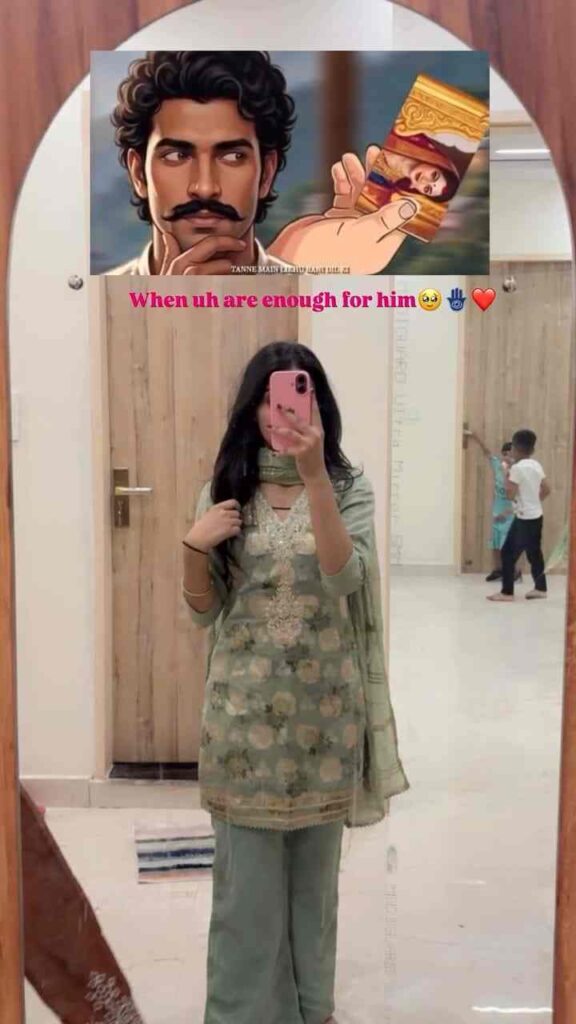
Take a screenshot ⬇️
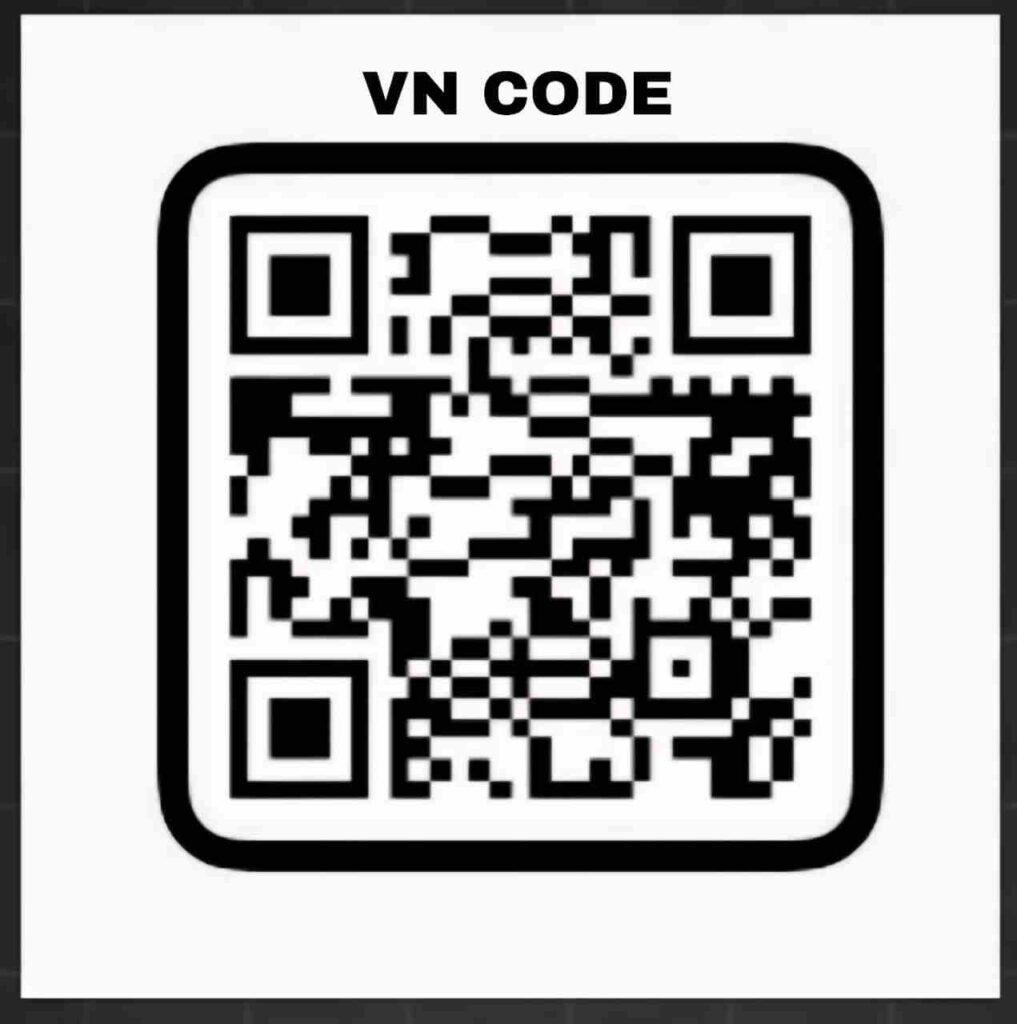
How to Use VN Code for Reels Editing
- Install the VN app from the Play Store or App Store.
- Open the app and make sure it is updated to the latest version.
- Find a VN code from a website or Instagram page that shares free templates.
- Download the VN code or take a screenshot of it.
- Open the VN app and tap on the scanner icon in the top-right corner.
- Scan or import the VN code you downloaded or screenshotted.
- Click on the Download button to load the template.
- Tap on Use Template to start editing.
- Import your photos or video clips into the template.
- Preview your video and make any small adjustments if needed.
- Export the video in 1080p resolution at 30fps for best quality.
- Upload your reel on Instagram or YouTube Shorts.
Conclusion
In this article, I have covered everything about the viral and trending “Kitab Likhunga” song reels on Instagram, which many people love to create. These reels are simple yet emotional, usually featuring a single overlay played over a person’s photo, combined with heart-touching music that syncs perfectly with the visuals. This trend is especially popular among couples who want to express their feelings and share memorable moments. I have explained an easy method using VN code templates, through which you can create such videos in just a few seconds, along with the complete A-to-Z process. I hope this article helps you create your own Kitab Likhunga reel, and if you face any issues, feel free to ask in the comment box or contact me on Instagram.