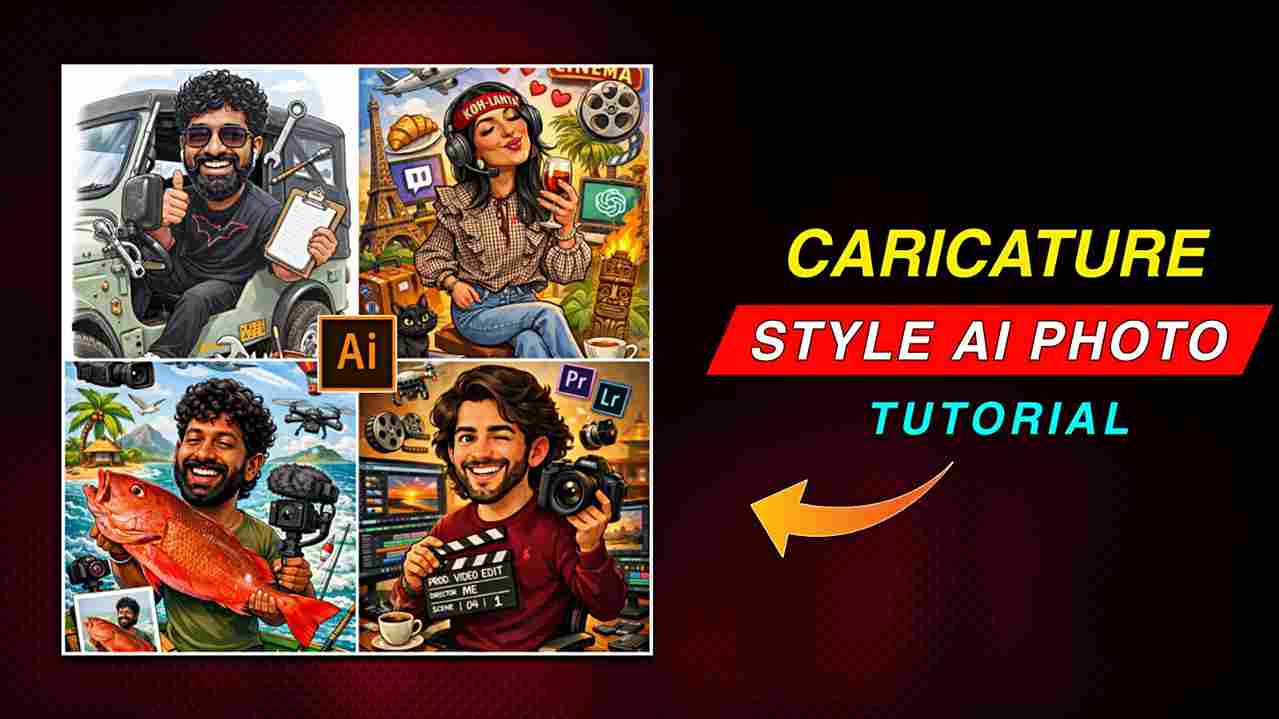
Caricature Style AI Photo Editing Prompt 2026 — In this article, I am going to share a trending ChatGPT prompt that turns any normal photo into a caricature-style photo. Such images look amazing because they are similar to a cartoon style, and the good thing about this prompt is that it helps generate images based on your interests. For example, if you are a content creator, it will show YouTube, Instagram, and so on, and if you are an editor, it will show editing apps like Premiere Pro, After Effects, and so on, making such images more attractive. People actually create these images, so please review the full article for better results.
What is a Caricature Style AI Photo?
Caricature style is similar to a 3D cartoon style, which is why people love creating such amazing images. Now, making these caricature-style images has become simple and free because of the ChatGPT AI tool. You just need to upload a clear photo of your face with proper lighting and paste the prompt provided below. After some time, you will get the desired image, where icons representing your interests will also be shown. Recently, creators and users have been posting these images on their Instagram handles and gaining a lot of likes and comments, so you should try this with your normal photos.
ChatGPT Prompt for Caricature Style Photos
Here is a simple and short prompt to turn your photo into a caricature style. To copy the prompt, just click the “COPY” button located on the right side of the prompt in red. I have added this button for users so you do not need to drag to copy the prompt—just one click will copy it. After that, click on the “Create Your Image” button to proceed.
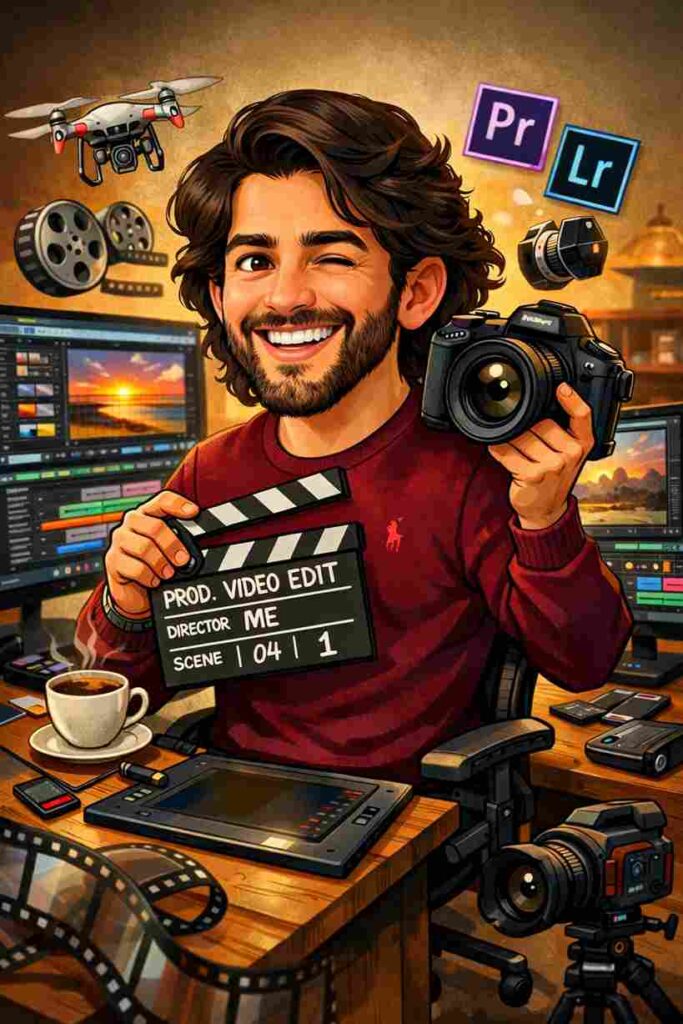
"Create a caricature of me and my job based on everything you know about me.”.
How to Turn Photo to Caricature Style AI Photo(Step-by-Step)
If you are interested in turning your normal photo into a caricature style that looks almost like a cartoon, then follow the steps below. First, install the ChatGPT app from the Play Store or App Store. Open the app and log in with your Google account. Next, tap the plus icon and upload a clear photo of your face. Then, paste the prompt provided in the paragraph above and send it; within a few seconds, your image will be created. Pro tip: If you do not get the desired result on your first attempt, try again, and you are more likely to achieve a better outcome.
Best Tips for Better Results
If you want an ultra-realistic image with good expression that correctly shows your interests, you should keep a few things in mind. First, use a high-quality photo with good lighting and avoid blurry images. Second, if you are using ChatGPT for the first time, it will not have an idea about your preferences, so make sure to mention the interests you want to show in your caricature image. After ensuring these things, you will get good results
Conclusion
This article is designed to help you create a caricature-style AI Photo using a ChatGPT prompt that is absolutely easy to use. It will guide you in achieving great results, as the complete A to Z process has been explained above. Even if you are a beginner, you can easily create your own image without the help of any person or tool. I have also explained why people are increasingly liking such images. I hope this article helps you; however, if you face any problems, you can leave a comment or contact me through my social media handles, the links to which are provided in the header of this article.
Related AI Photo Editing Prompts ⬇️
God AI Photo Editing Prompt 2026