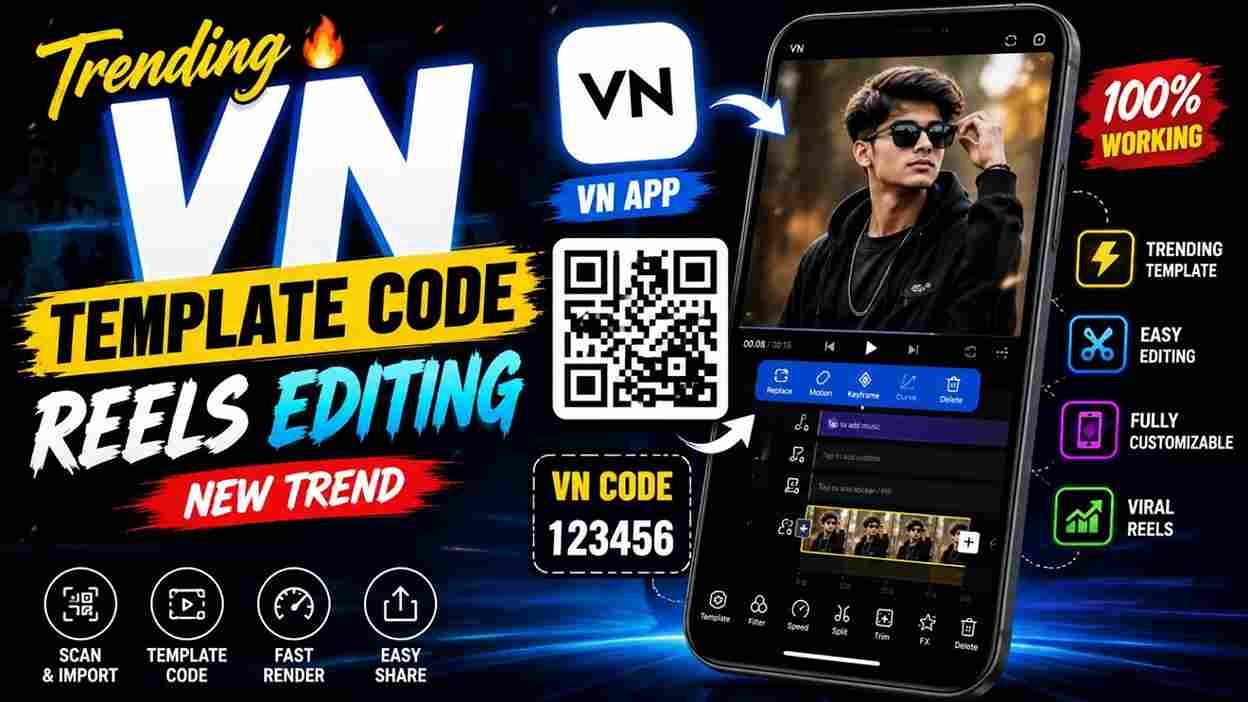
In today’s post, I am going to share trending and viral VN Template Codes, through which you can easily create trending Instagram videos in just a few simple steps. With the help of VN Codes, creators and users can complete hours of manual editing in just a few minutes. The best part is that you can easily find VN Codes on Instagram, where many creators focus only on creating and sharing the latest VN Template Codes. If you don’t want to spend extra time and effort editing your videos manually, you should definitely try VN Codes for trending video editing. So, make sure to read this complete article for a better understanding.
Why Are VN Template Codes So Popular?
VN Template Codes have become one of the easiest ways to create professional-quality videos without advanced editing skills. Since many Instagram Reels follow trending songs and transition styles, using the latest VN templates helps creators save time while producing engaging content. Whether you’re a beginner or an experienced editor, these templates let you create eye-catching videos in just a few minutes.
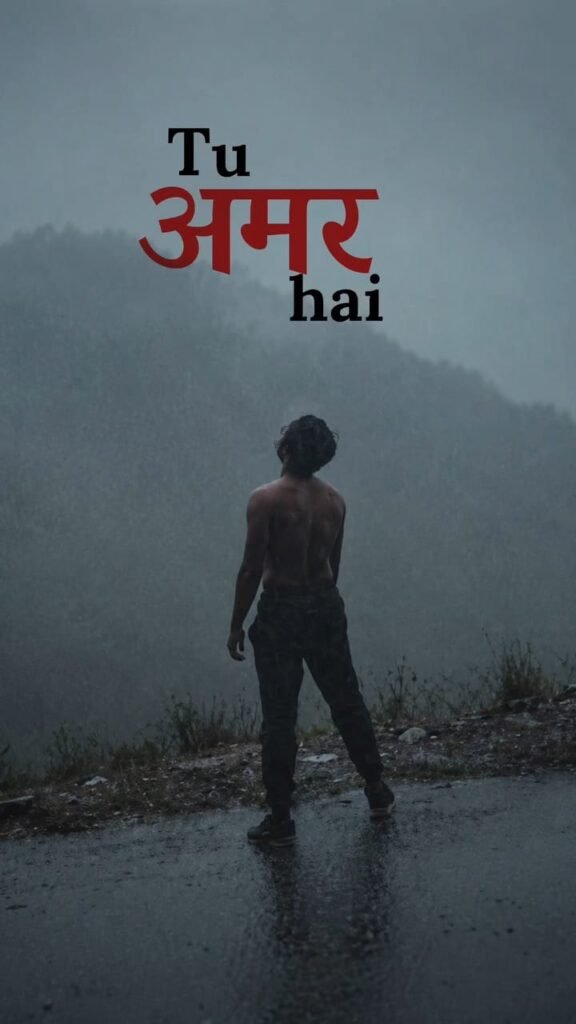
Latest VN Template Codes for Video Editing

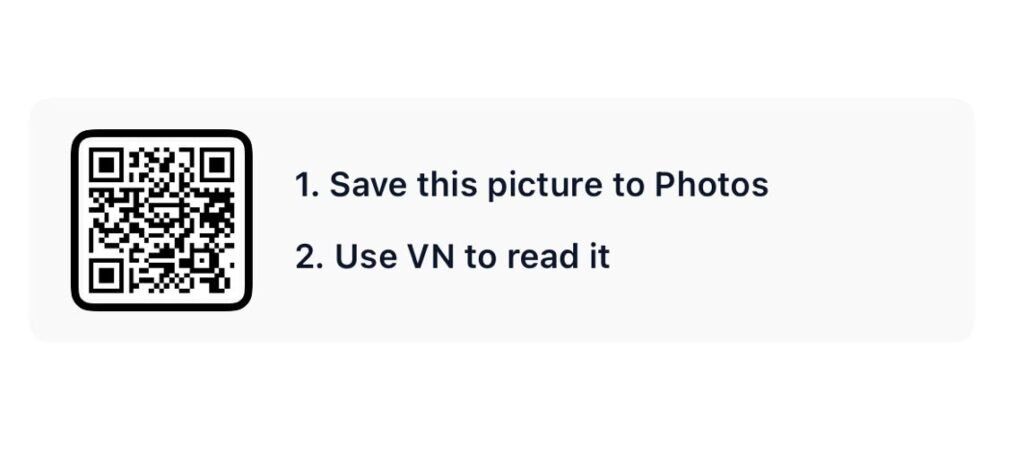
Note: To get the VN Code, you need to click the “Save This VN Template Code” button below the image.

How to Use VN Template Code?
To use a VN Template Code, you need to follow a few simple steps. These steps are very helpful if you are a beginner in video editing or don’t know how to use a VN Code.
- First, install the VN Video Editor app from the Play Store or App Store.
- Open the VN app and tap the Scanner icon in the top-right corner.
- Import or scan the VN Code and click Use Template.
- Select your photos or videos as required by the template.
- Your trending reel will be created automatically.
- Finally, export the video in the best available quality and share it on Instagram Reels or other social media platforms.
What Is a VN Template Code?
A VN Template Code (QR Code) is a ready-made video editing project created in the VN Video Editor app. It already includes transitions, effects, text animations, color grading, and beat synchronization. You only need to scan the QR code, replace the sample clips with your own photos or videos, and export the finished video.
What is the VN App and Its Features?
VN Video Editor is a free, beginner-friendly video editing app that helps users create professional-quality videos with ease. It is available for Android, iPhone, Windows, and Mac and is widely used for editing Instagram Reels, YouTube Shorts, and other social media content. The app includes powerful features such as VN Template Codes (QR Codes), multi-layer editing, beat sync, smooth transitions, keyframe animation, speed control, filters, text animations, color grading, and 4K video export. Whether you’re a beginner or an experienced creator, VN Video Editor makes it easy to produce high-quality, trending videos in just a few minutes.
How to Find the Latest and Viral VN Template Codes?
Finding the latest and viral VN Template Codes is easy. Most creators share new VN QR Codes on Instagram, Telegram, YouTube, and dedicated websites whenever a new trend goes viral. You can also visit Harish Edits, where we regularly publish the latest VN Template Codes with preview videos and download links. By following trusted creators and checking updated websites regularly, you can quickly access new VN templates and create trending Instagram Reels without spending hours on manual editing.
Final Words
In this article, I have explained everything about VN Template Codes and how to use them to create trending Instagram Reels with minimal time and effort. Even if you are a beginner and have no video editing experience, you can easily create professional-looking videos using VN Codes. I hope I have clearly explained the entire process from A to Z. If you face any problems while using the template, feel free to contact me on Instagram or leave a comment below. I will do my best to solve your problem as soon as possible.